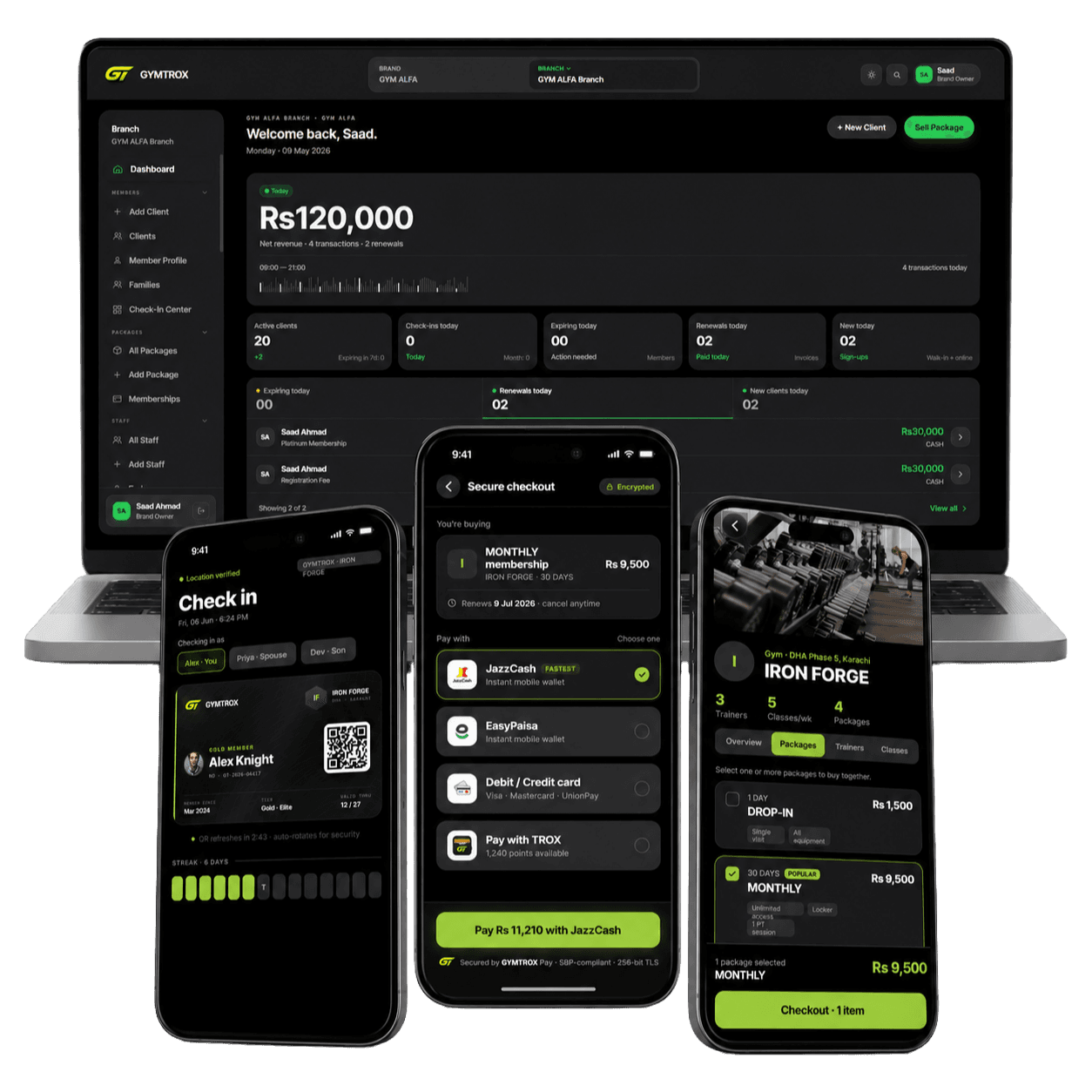
How payments work
Last updated June 1, 2026
1. Merchant of record
All payments on GYMTROX are collected by GYMTROX, a sole proprietorship registered in Pakistan, which is the merchant of record for every transaction made on gymtrox.com and the GYMTROX apps. Your card or wallet statement will reference GYMTROX.
2. Pricing & currency
Every price, fee and charge on GYMTROX is shown and billed in Pakistani Rupees (PKR / Rs). Taxes such as GST are shown at checkout before you pay. We never bill in any other currency.
3. Accepted payment methods
You can pay with debit and credit cards (Visa / Mastercard), Raast, bank transfer and mobile wallets (JazzCash, Easypaisa). Payments are processed by licensed Pakistani payment providers over a secure, encrypted connection — your full card details are never stored on GYMTROX servers.
4. What you can buy
GYMTROX is used to buy gym memberships and day passes at partner gyms, personal-training sessions and class bookings, and gear and supplements from the GYMTROX shop. Each item shows its price, and what is included, before you confirm payment.
5. Gym memberships & settlement
When you buy a membership or day pass, GYMTROX collects the payment and settles it to the partner gym, less any applicable platform fee. The membership duration, start date and the gym’s own terms are shown at checkout and on your receipt. Manual packages you track yourself in the app involve no payment through GYMTROX.
6. Receipts & invoices
A receipt with a unique reference (PNR / invoice number) is emailed to you after every successful payment and is also available in your account under Purchases. Keep it — you will need it for any support, return or refund request.
7. Security
Payments are handled by PCI-DSS compliant providers and protected with 3-D Secure where your bank supports it. GYMTROX does not see or keep your card number, CVV or PIN.
8. Refunds & cancellations
Refunds are issued to your original payment method and follow our Return & refund policy. See that page for return windows, timelines and how to start a request. Questions about a payment? Email support@gymtrox.com.