Gym POS Systems Explained: Memberships, Supplements and Café Sales Together
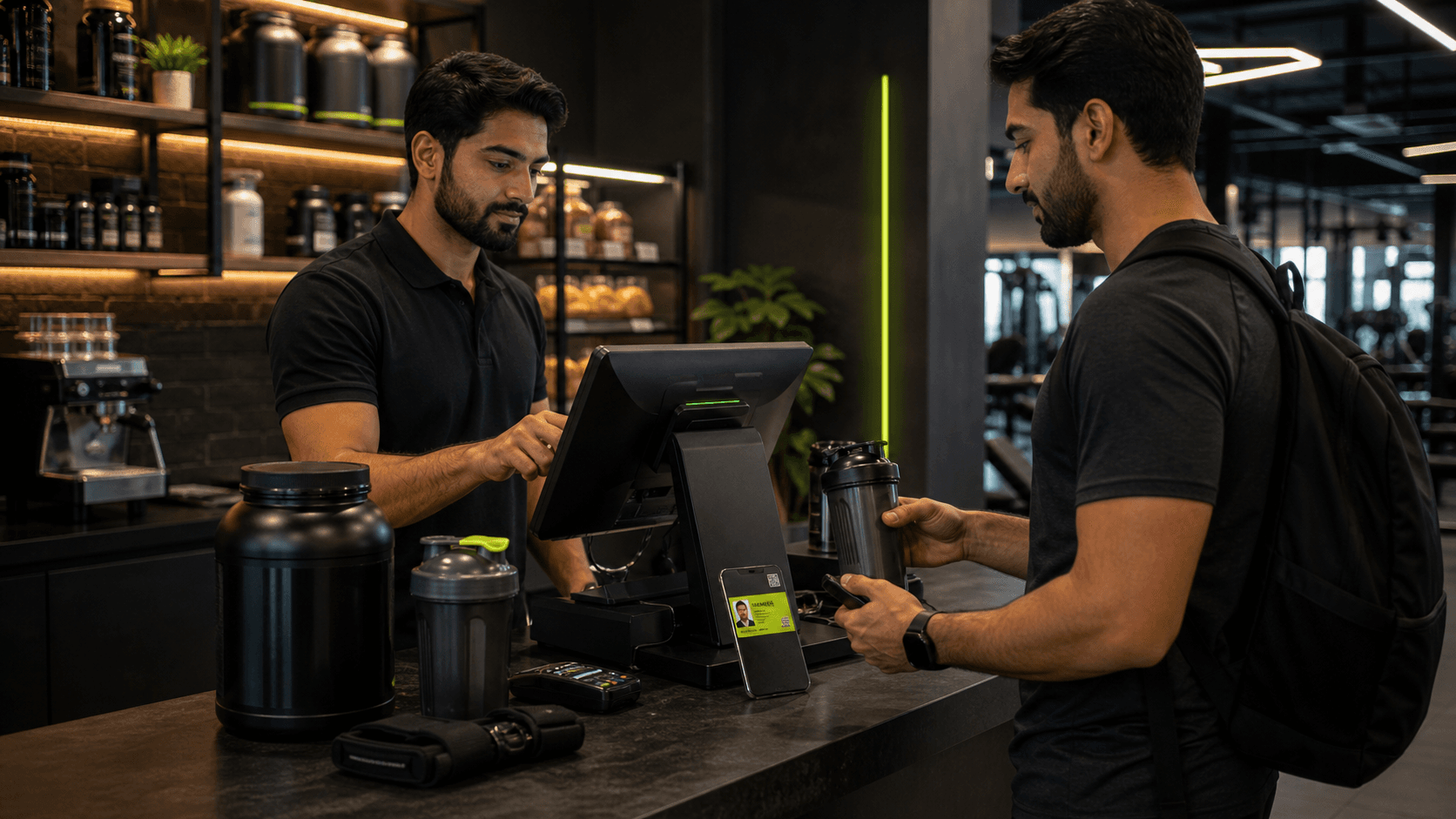
A gym does not earn money from memberships alone. Supplements, protein shakes, drinks, apparel, accessories, day passes and personal training can all contribute to daily revenue.
When these sales live in separate notebooks or retail apps, the owner never gets one reliable view of the business. Gym POS software brings membership and counter sales into the same operating system.
This guide explains what a gym POS should manage, how it differs from a normal retail till and what Pakistani gym owners should check before buying.
What is a gym POS system?
A gym point-of-sale system is the screen staff use to sell products and services at the front desk or café. Unlike a basic retail POS, it should understand gym members, packages, invoices and branch reporting.
A complete system may process:
Membership registrations and renewals
Day and guest passes
Personal training packages
Class packages
Protein, supplements and drinks
Apparel, gloves, belts and accessories
Café meals, shakes and snacks
The objective is not merely taking payment. Every sale should produce a clear record that reaches the correct member, invoice, product report and branch total.
Why a normal retail POS is not enough
A general retail system can scan products and print receipts, but it may not know whether the customer has an active membership, which trainer package they purchased or when gym access should begin.
This forces staff to enter the same transaction twice: once in the till and again in the member system. Duplicate entry creates mismatched totals, forgotten activations and difficult month-end reconciliation.
Gym POS software should connect a sale to the wider member journey.
Essential gym POS features
1. Membership sales at the counter
Staff should be able to select a member, choose a package, apply an authorized discount, record payment and activate the membership through one flow.
2. Product and category management
Create categories for supplements, drinks, apparel, accessories and café items. Products should have a name, price, availability and clear counter tile.
3. Fast checkout
The front desk should search or filter products, add several items, adjust quantities and complete the order without leaving the sales screen.
4. Multiple payment methods
Pakistani gyms commonly receive cash alongside card, bank transfer or supported digital payments. The POS should record the actual method used even when settlement happens outside the software.
5. Receipts and invoices
Every completed transaction should create a receipt or invoice with the branch, items, amounts, payment status and staff trail.
6. Separate café operations
A busy café needs its own menu, categories and order history while still contributing to the branch's combined reporting.
7. Reports that owners can use
Track sales count, revenue, average order value, product performance and transactions by date. Membership, retail and café revenue should be easy to compare.
Numbers to track from your POS
Daily revenue: total counter sales completed today
Average order value: revenue divided by completed orders
Top-selling products: items generating the most units or revenue
Sales by category: supplements versus drinks, apparel or café
Payment mix: cash, card and other recorded methods
Sales by branch: performance across locations
These numbers help you decide what to restock, promote or remove instead of ordering by instinct.
Questions to ask before choosing gym POS software in Pakistan
Are membership and product sales connected?
Can the system run a dedicated café counter?
Does it support PKR and your accepted payment methods?
Can staff discounts be controlled by permission?
Are invoices and receipts included?
Can owners compare sales across branches?
Does the POS continue safely during a temporary connection problem?
Can transaction data be exported?
How GYMTROX POS works
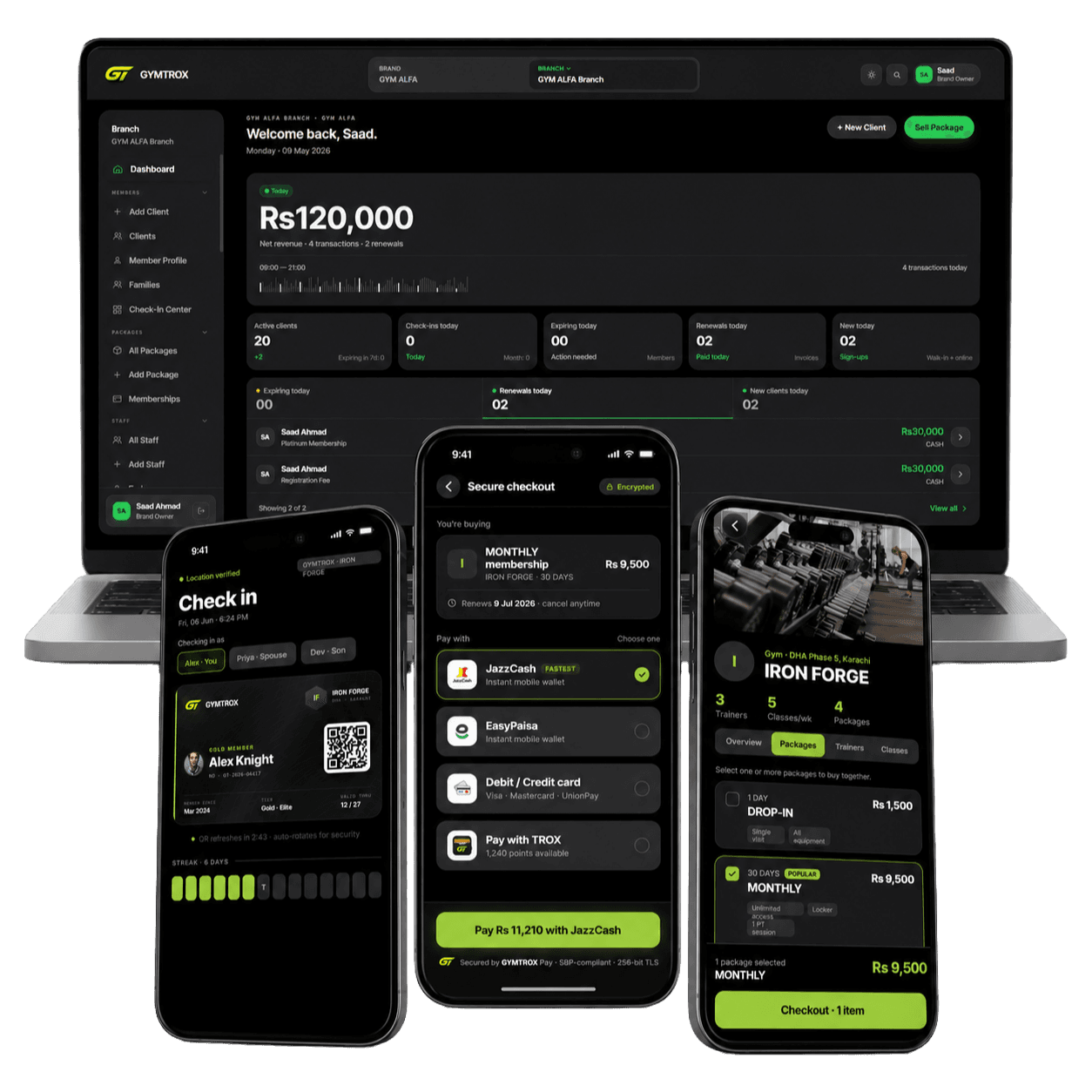
GYMTROX connects package sales, retail POS and café operations to the same branch dashboard.
Staff can sell gym products and gear from the front-desk POS, review recent paid invoices and keep the transaction history connected to branch reporting. The dedicated canteen system provides menu categories, product availability, counter checkout and order reports with revenue and average-order metrics.
Membership packages and renewals remain connected to member profiles, access dates, payments and invoices. Owners can review membership, online, retail and canteen activity without merging exports from separate applications.
Demo GYMTROX POS and canteen →
The bottom line
The best gym POS software in Pakistan should understand both sides of your business: long-term member relationships and fast counter transactions.
Choose a platform that connects memberships, supplements, café sales, payments, invoices and reporting. One connected sale is far more valuable than another isolated receipt.
Want to see the counter workflow? Book a GYMTROX POS and canteen demo.