Run your gym
from your hand.
Check members in, sell and renew packages, ring up the canteen and see every branch’s money — from the gym floor, the office or the road.
Free on iOS and Android · included with every GYMTROX plan
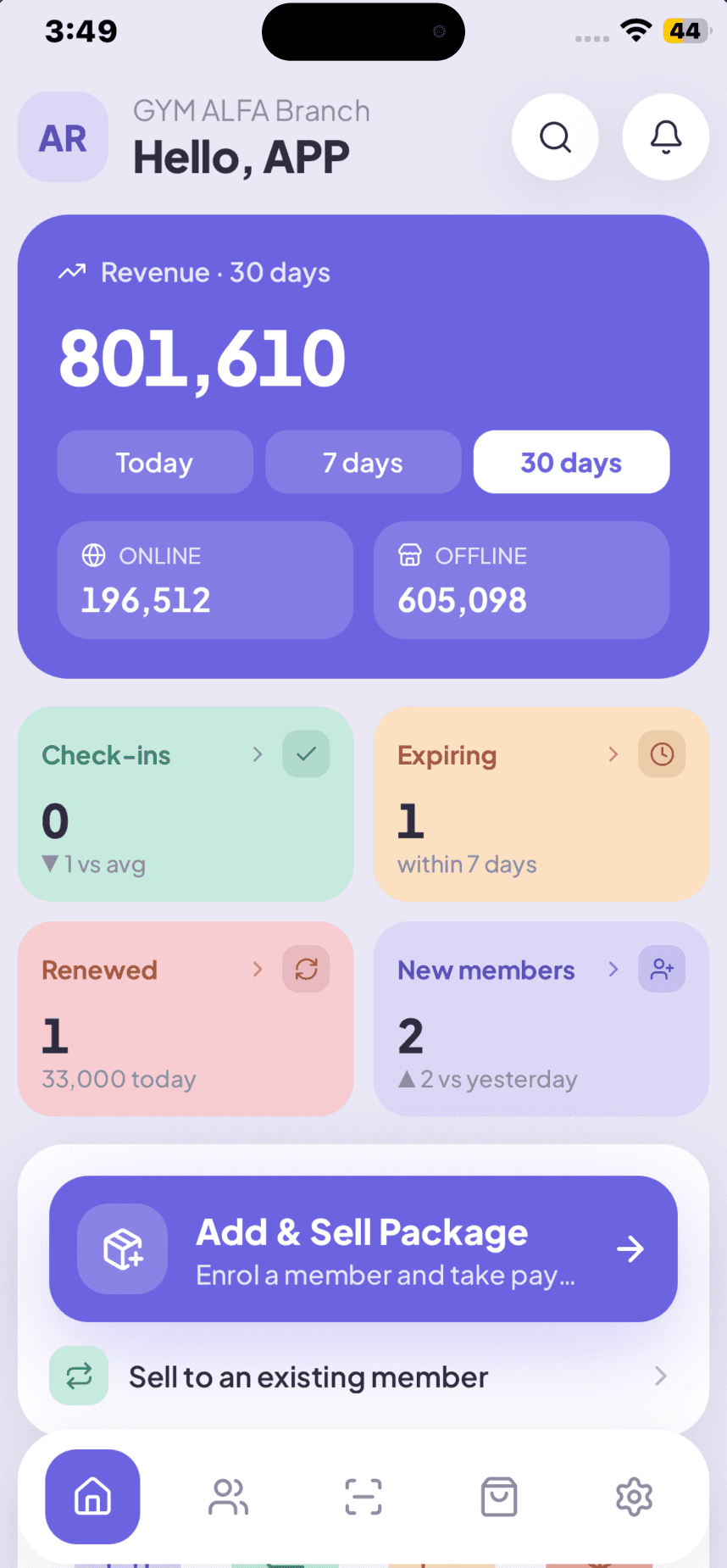
Five tabs. The whole front desk.
Dashboard, Members, Check-in, Sell and More. No training day, no manual — if you can use a phone, you can run a shift. What each person sees is set by their role, so staff never open a screen that isn’t theirs.
What a gym management app has to do.
Six jobs the front desk does every day, each one built to finish in a few taps on a phone that is already in someone’s hand.
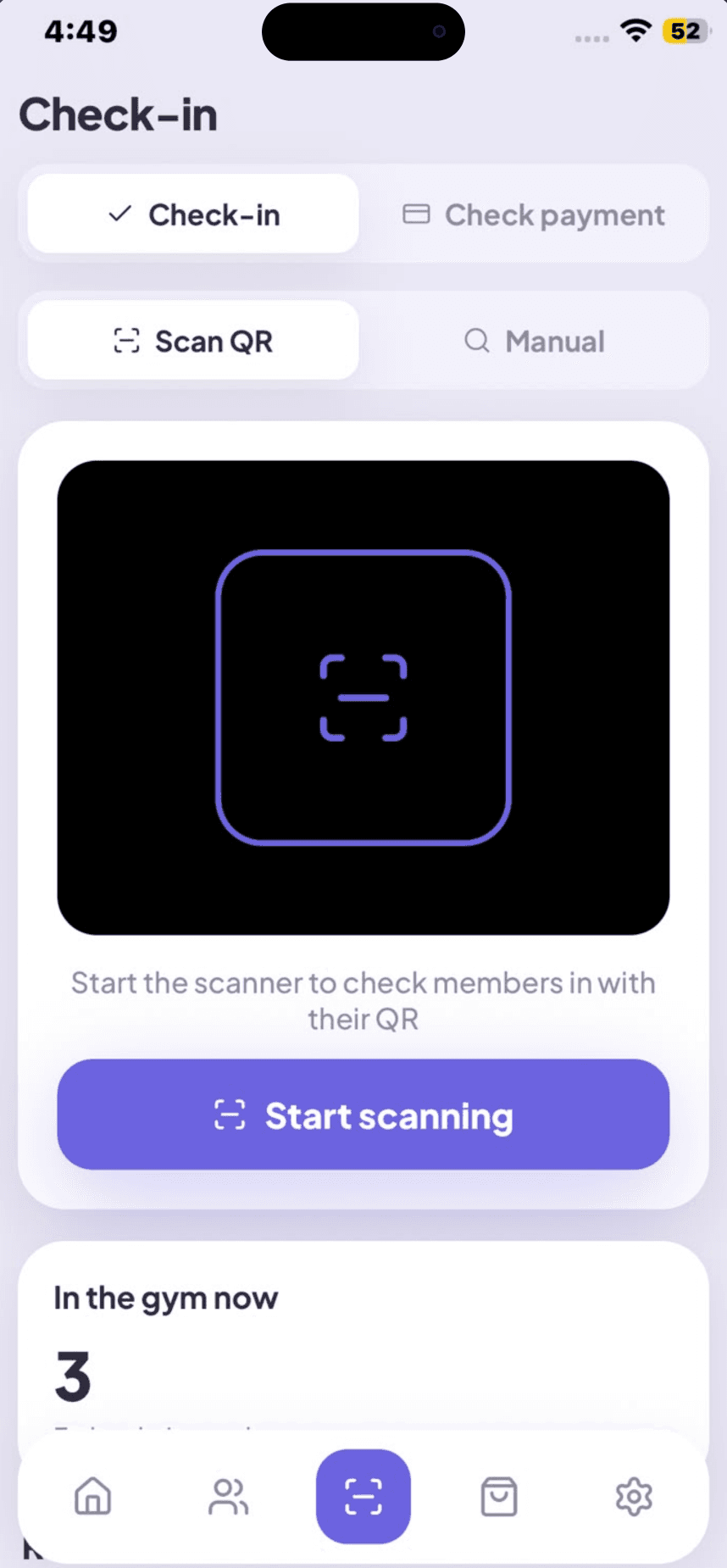
Check-ins that take a second
The queue at 7pm is the moment members judge your gym. Scan the QR in their app, or type a name if they left their phone in the car.
- QR scan or manual lookup
- Expired and frozen memberships flagged instantly
- A live count of who is in the gym right now
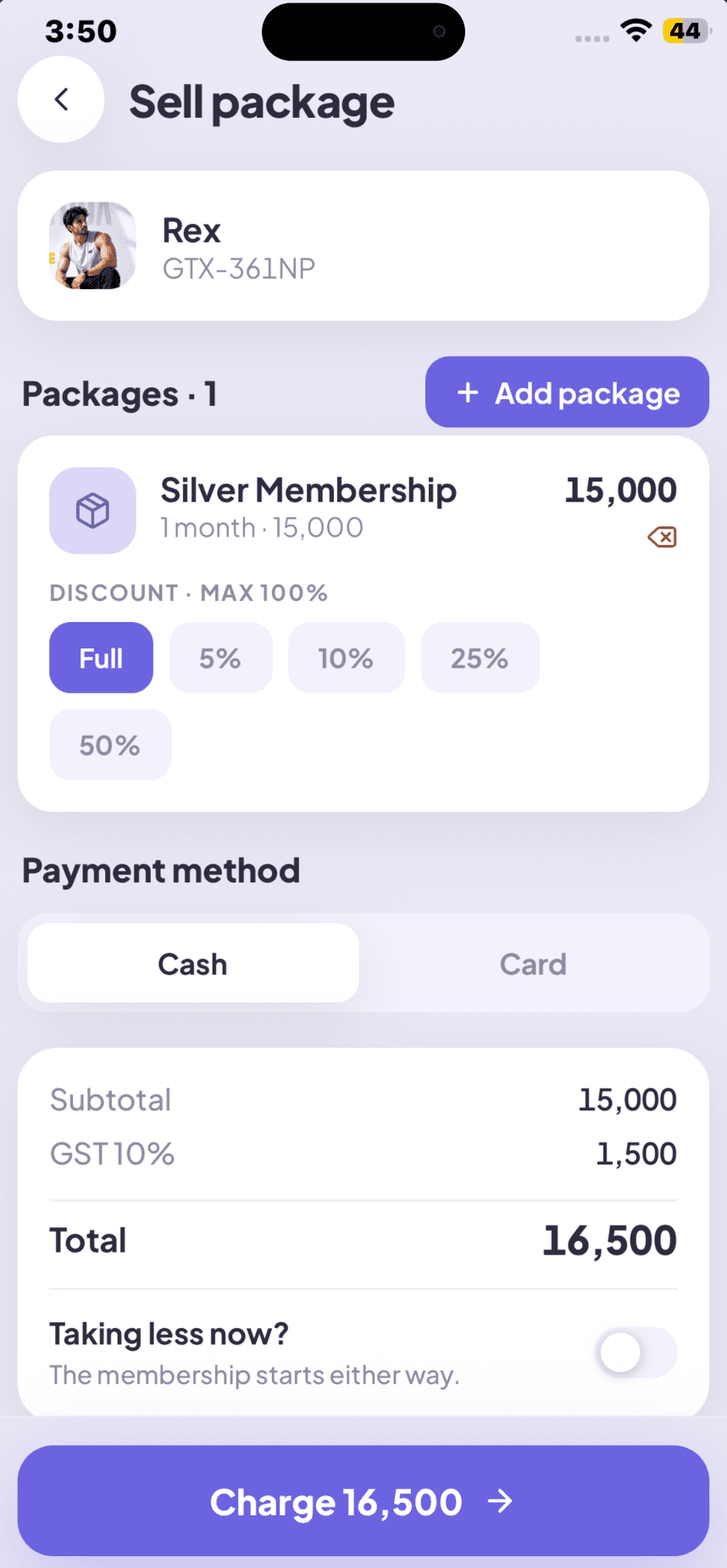
Sell a membership without a computer
A walk-in becomes a paying member on the floor. Choose the package, apply a discount, take cash or card — the invoice and start date handle themselves.
- Discounts up to 100%, GST calculated for you
- Cash or card, recorded against the member
- Renew an existing member in the same flow
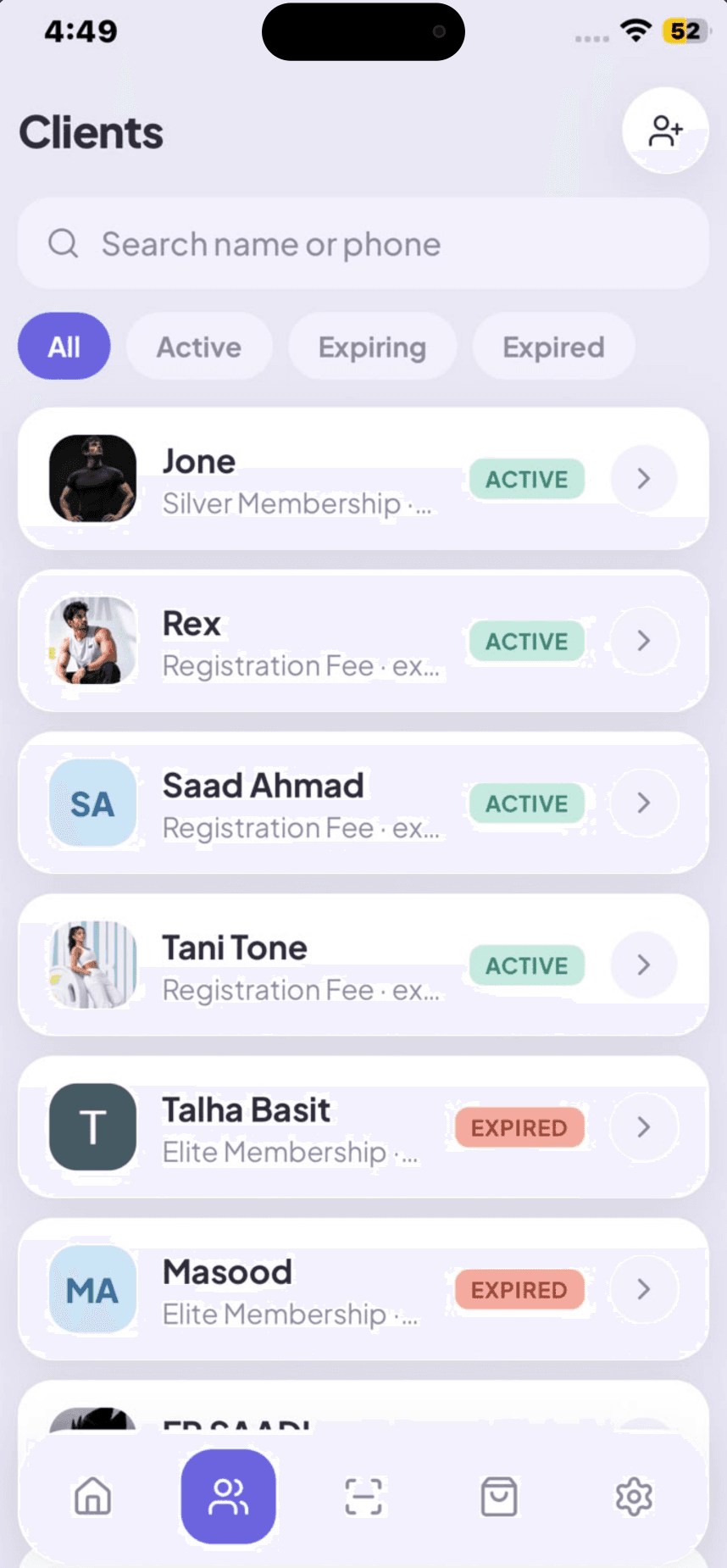
Your whole member list in your pocket
Every profile, every package, every payment. Filter to who is expiring this week and call them before they drift.
- Search by name or phone
- Active, expiring and expired filters
- Full package, payment and visit history
Know exactly what the gym earned
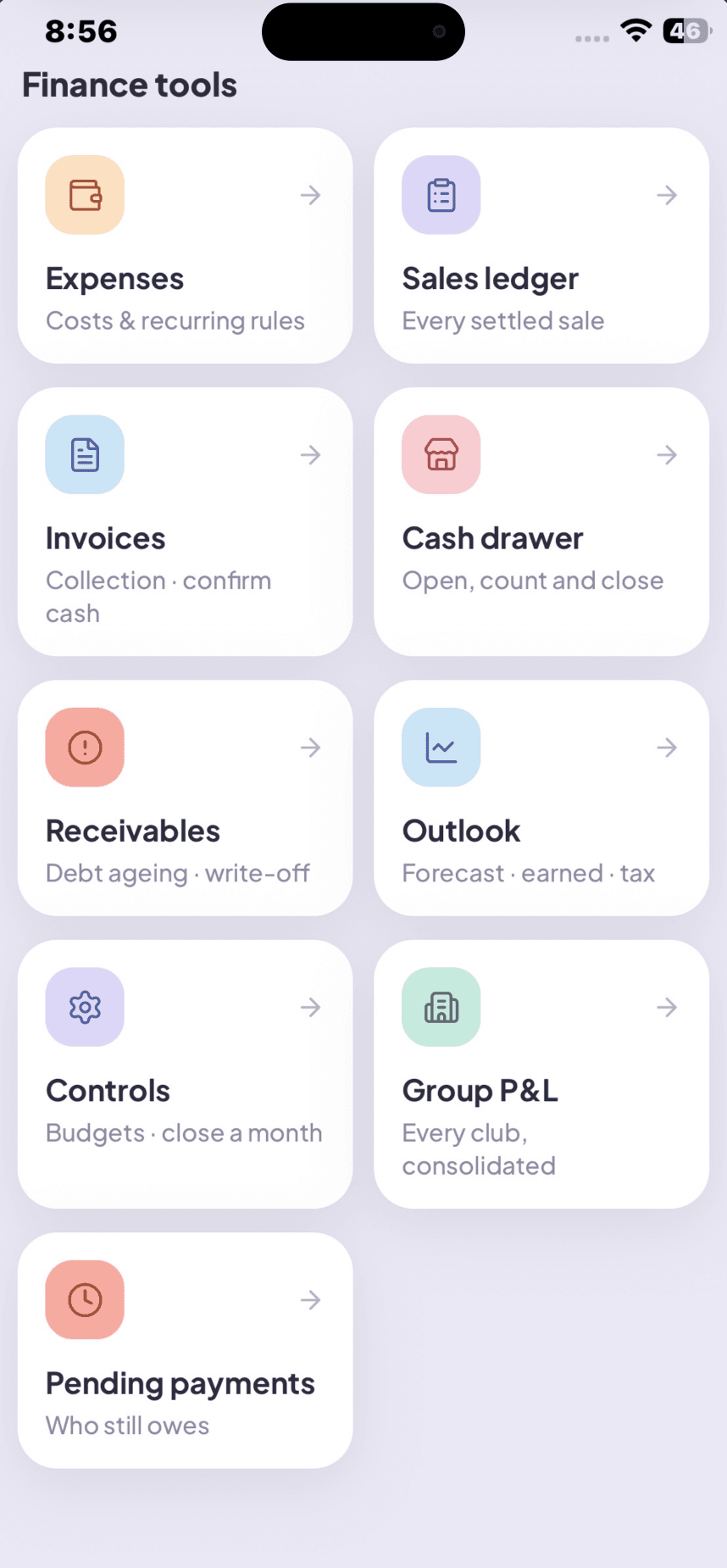
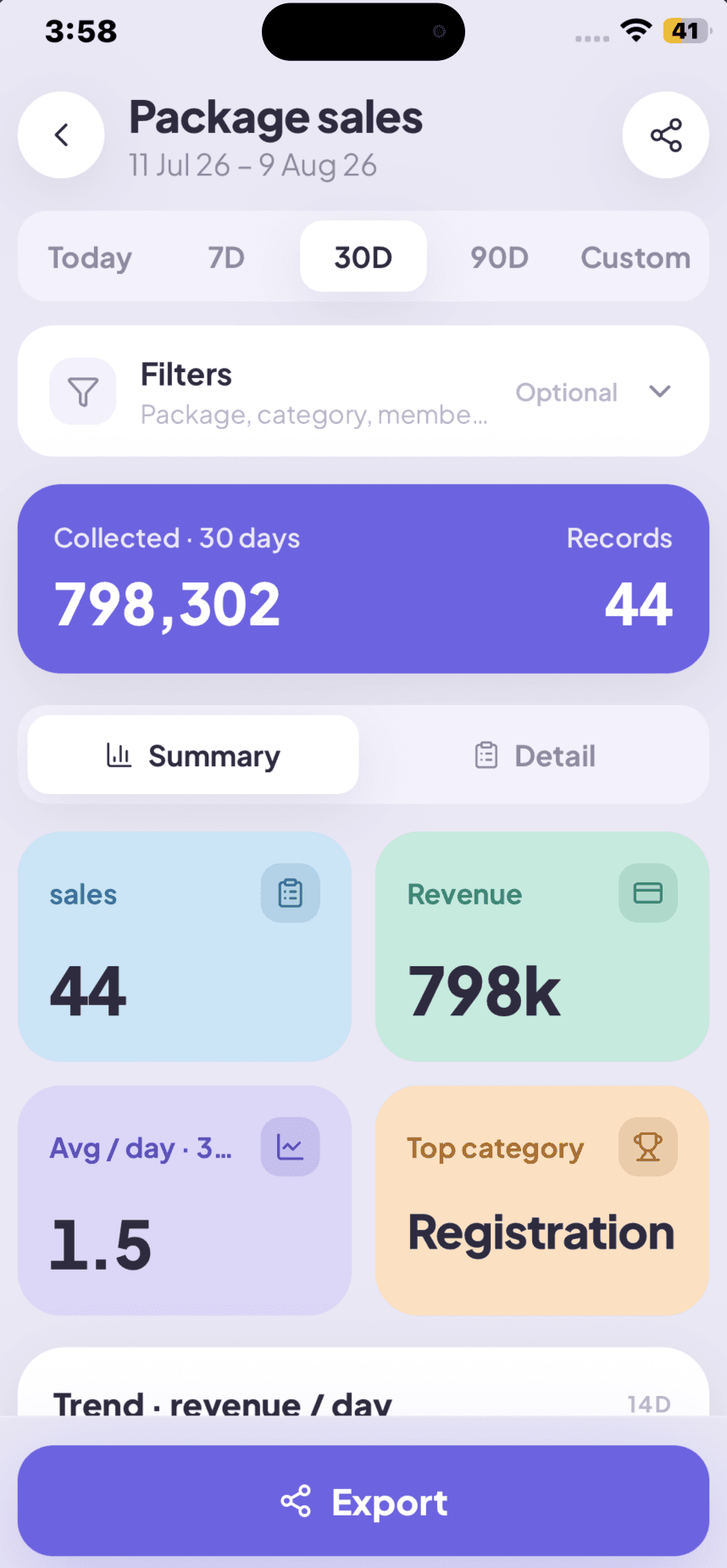
Sales reports and finance tools sit side by side — what came in, what is still owed, what went out, and what is left.
- Package sales for today, 7, 30 or 90 days
- Expenses, invoices, receivables and cash drawer
- Export any view to PDF or CSV
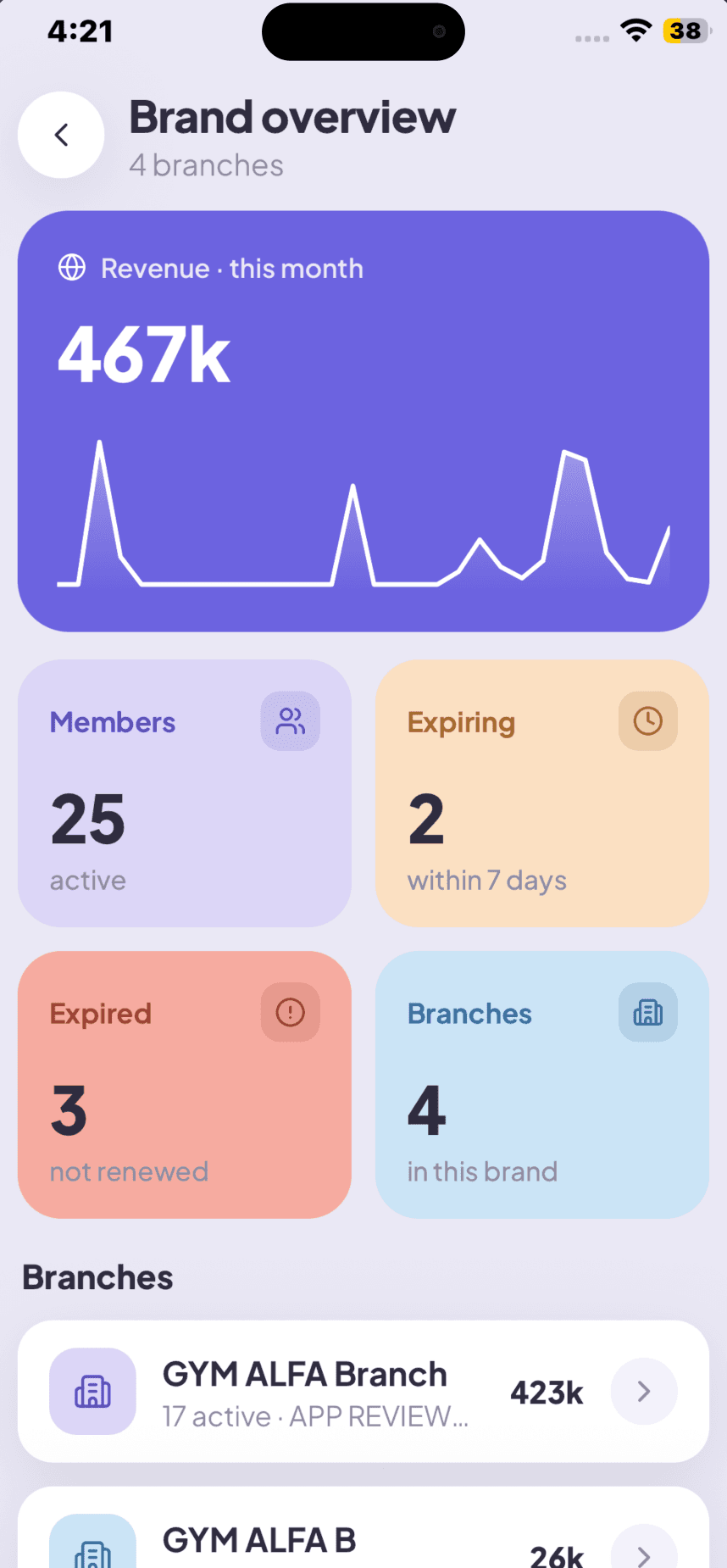
Four gyms, one screen
Brand owners see the group rolled up — revenue trend, active members, expiries and branch count — then open any location for its own numbers.
- Revenue trend for the whole brand
- Per-branch active, expiring and expired counts
- Switch branch without signing out
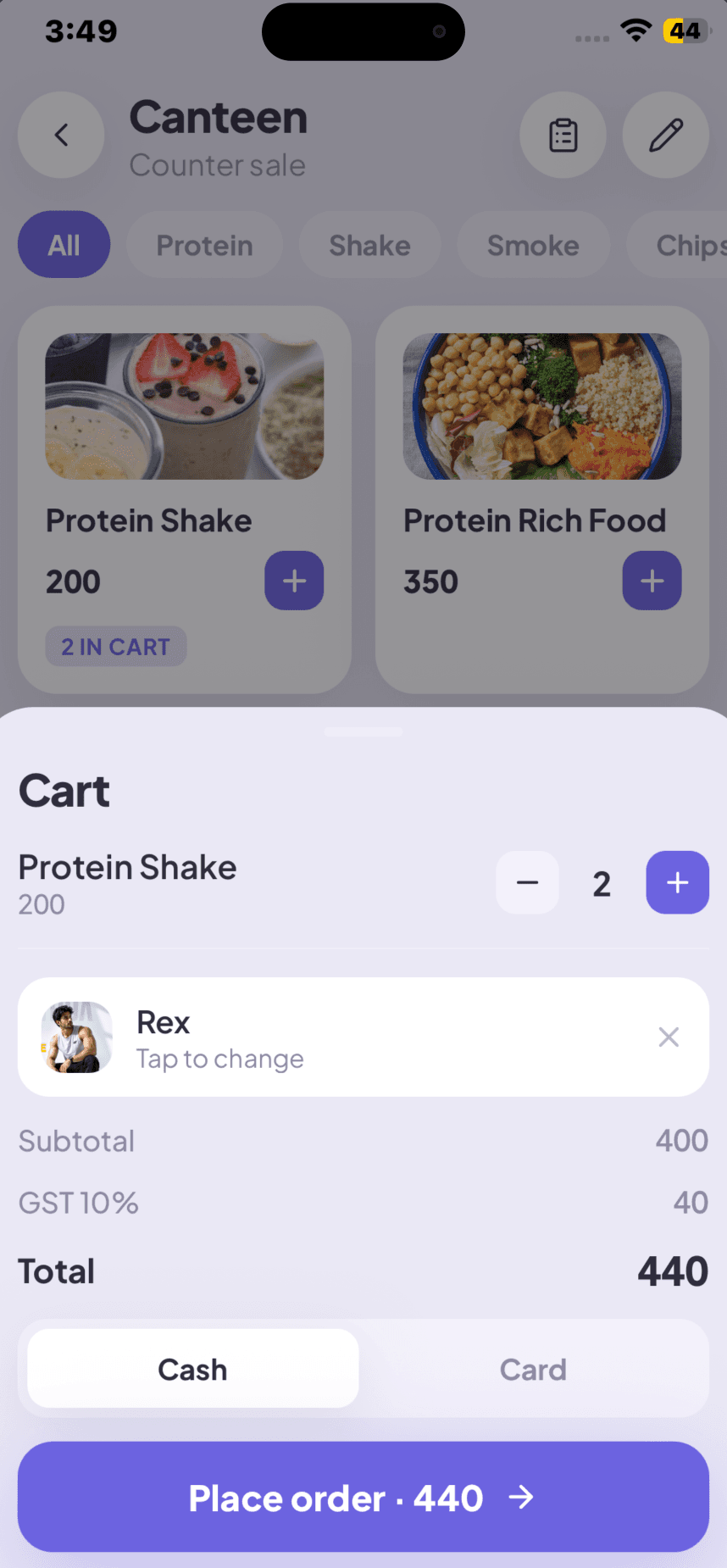
The counter is part of the gym
Shakes, snacks and supplements ring up in the same app as memberships, so the day’s takings are one number, not two.
- Product catalogue with categories
- Cart, GST and one-tap checkout
- Attach a sale to a member or sell as walk-in
Take a look around.
Pick a screen — this is the real app, not a mock-up.
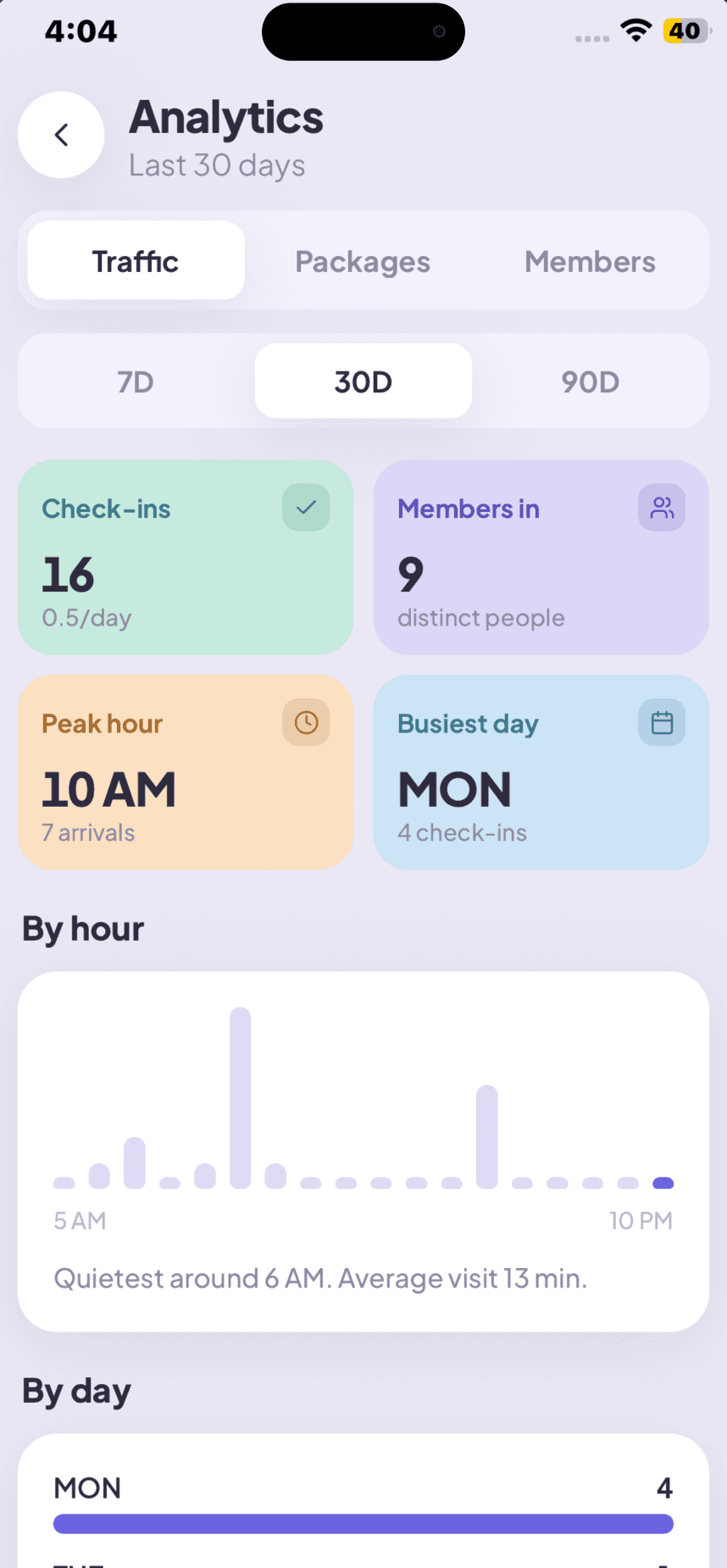
The day so far, at a glance
Revenue for today, 7 or 30 days — split into online and cash — with check-ins, renewals, new members and memberships about to expire.
One app, three jobs.
A gym owner app, a manager app and a front-desk app in one download. Everyone signs in to the same app and lands where they belong. Modules outside a plan or a role are hidden, not locked behind an upsell.
Brand owner
Every branch rolled up, plus the finance tools — revenue, receivables and the group P&L wherever you are.
Sees: all branchesBranch manager
One location, run end to end: members, sales, staff, classes, the canteen and the day’s numbers.
Sees: their branchFront desk
A short, fast screen — check people in, take a payment, sell a shake. Nothing they don’t need to touch.
Sees: check-in and sellGym owners ask us this.
Is there an app to manage a gym?
Yes. GYMTROX Business is a gym management app for iOS and Android that lets gym owners, branch managers and front-desk staff check members in, sell and renew memberships, run a canteen POS and read the day’s revenue from a phone.
Can I run my gym from my phone?
You can run the whole front desk from a phone. The GYMTROX Business app has five tabs — Dashboard, Members, Check-in, Sell and More — covering check-ins, membership sales and renewals, the canteen counter, staff, classes, personal training, expenses and reports.
How do I check in gym members with a phone?
Open the Check-in tab and scan the QR code in the member’s GYMTROX app, or search their name or phone number if they do not have it with them. Expired and frozen memberships are flagged at the door, and the screen shows a live count of how many people are in the gym.
How do I sell a gym membership without a computer?
In the Sell tab you pick a package, apply a discount of up to 100%, and take cash or card. GST is calculated for you, the invoice is issued and the membership starts immediately — a walk-in becomes a paying member in about thirty seconds, on the gym floor.
What is the best app for gym owners to manage members?
The right app for a gym owner is one that covers members, sales, attendance, the counter and the money in a single login rather than a stack of separate tools. GYMTROX Business does all five and shares one database with the GYMTROX dashboard and the member app, so a sale made on the floor shows up in the owner’s reports instantly.
Does the gym management app work on Android and iPhone?
Yes. GYMTROX Business runs on both Android and iPhone, and the same account works on any device — a manager can approve something on their phone while a receptionist keeps checking members in on the front-desk tablet.
Is the GYMTROX Business app free?
The app costs nothing extra. It is included with every GYMTROX plan, including the free tier, for every staff member you add — there is no per-seat charge and no paid upgrade to unlock it.
Can one app manage multiple gym branches?
Yes. A brand owner sees every branch rolled up in one overview — revenue trend, active members, expiring and expired counts — and can switch into any single location for its own numbers without signing out.

Your gym runs on your phone now.
Book a walkthrough on your own branches. Most gyms are live in days, and the Business app comes with every plan.
The full platform this app connects to — dashboard, billing, biometric attendance and the member app.
Every module in GYMTROX, broken down one by one.
Per branch, per month, in your own currency. The app is included in all of it.
How to evaluate any gym platform, with a weighted scoring rubric.
Honest side-by-side comparisons with the other platforms.