How to Manage Multiple Gym Branches From One Dashboard

Running one gym is hard. Running two or more multiplies every problem: separate member lists, inconsistent pricing, staff with the wrong access, and no single view of how the business is really doing. To manage multiple gym branches without the chaos, you don't need more spreadsheets or group chats — you need multi-branch gym management software that treats every location as one connected business. Here's what that actually takes.
Why spreadsheets and single-gym tools break at two locations
A tool built for one gym assumes one member list, one schedule, one set of staff. Add a second branch and the cracks show fast:
Members who join at one branch can't be found at another
Pricing and packages drift apart between locations
Head office can't compare branches without manually merging exports
Staff can see — or change — data for branches they shouldn't
Opening a third location means rebuilding everything from scratch
You don't just need software that allows multiple gyms — you need one designed around them.
What multi-branch gym management actually requires
When you evaluate platforms, these are the capabilities that matter:
1. A rolled-up view across every branch
Head office should see revenue, attendance, retention and membership numbers for the whole brand in one place — and drill into any single branch on demand.
2. Per-branch data scoping
Each location should see and manage only its own members, payments and staff, while HQ sees everything. This keeps the front desk focused and your data clean.
3. Consistent packages and pricing
Set membership packages and pricing centrally so every branch sells the same thing — with room for local adjustments where you need them.
4. Role-based staff permissions
A branch manager, a front-desk attendant and a head-office admin need very different access. Granular roles, backed by an audit trail, keep everyone in their lane.
5. Consolidated reporting
Compare branches side by side — which location has the best retention, which is growing, which needs attention — without exporting and merging anything by hand.
6. Fast new-location launch
Opening a branch should mean cloning an existing one — its packages, pricing and settings — not starting from zero.
The three-layer model that makes it work
The cleanest way to manage multiple gym branches is in three layers:
Brand HQ — sees every branch rolled up; sets packages, pricing and standards
Branch — runs its own day-to-day operations within HQ's framework
Front desk — a fast, focused screen for check-in, sales and member lookups
This mirrors how your business is actually structured, so head office gets oversight without micromanaging, and each branch keeps the autonomy it needs to run well.
Launching your next branch without the chaos
With the right platform, opening location number three looks like this: clone an existing branch, adjust the address and any local pricing, add the staff and their roles, and you're live — often the same day. No rebuilding member flows, no re-creating packages, no inconsistent setup.
How GYMTROX does it
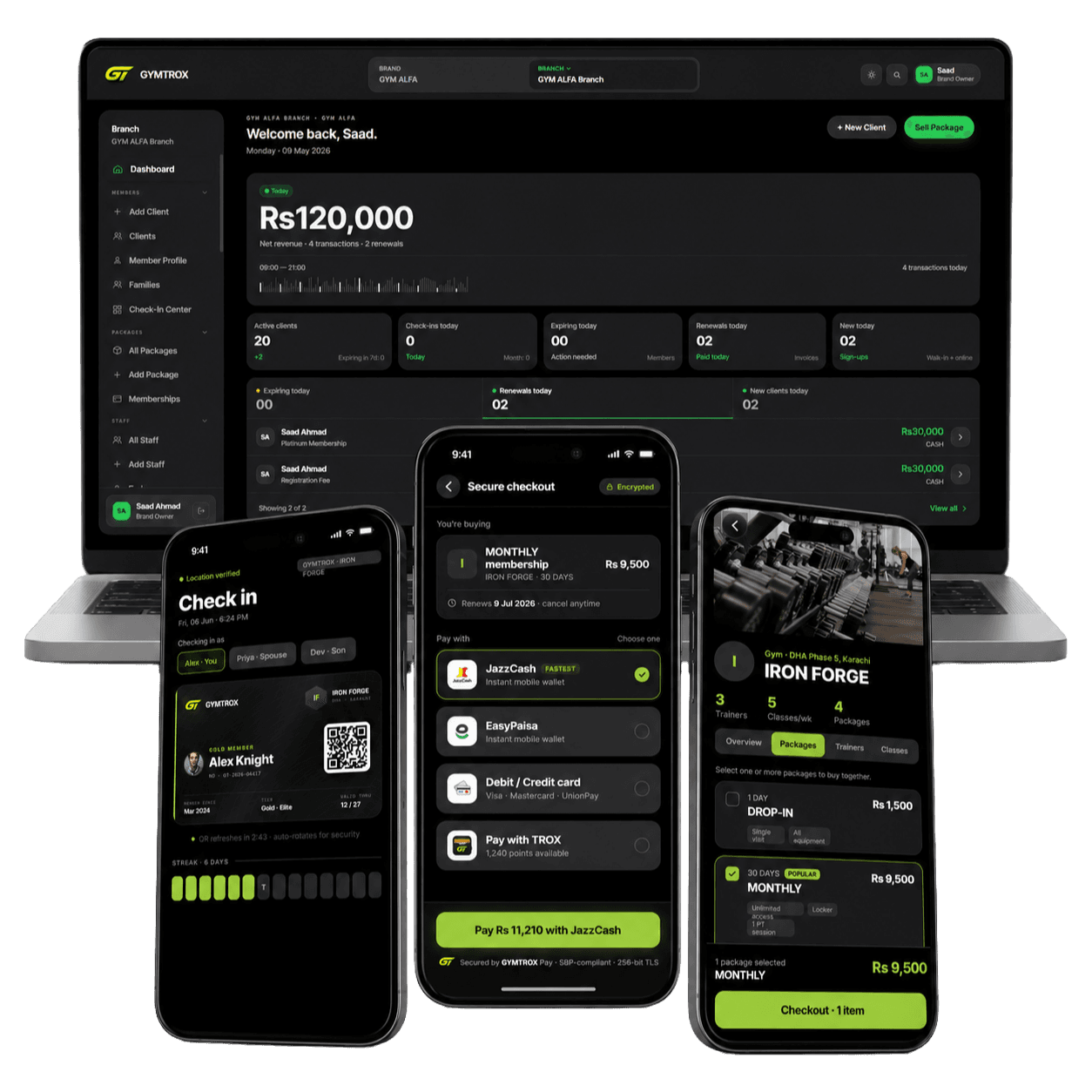
GYMTROX is built in exactly these three layers. HQ sees every location rolled up, each branch is scoped to its own data, packages and pricing are set centrally, staff get role-based access, and you can clone a branch to launch the next one fast — all from one dashboard, with a branded member app that follows members across your locations.
The bottom line
If you run — or plan to run — more than one location, choose software designed for multiple branches from the start, not a single-gym tool stretched to fit. Look for rolled-up reporting, per-branch scoping, central packages, staff roles and fast branch cloning.
Run every branch from one dashboard. Register your gym brand with GYMTROX. New to choosing software? Start with our guide to the best gym management software in 2026.