How to Manage Personal Trainers, Classes and Capacity Without Double-Bookings

Double-booked trainers and overfilled classes damage trust quickly. A member arrives for a paid session, but the trainer is already with someone else. A class has twenty spaces, yet twenty-seven people believe they are confirmed.
These problems usually begin when bookings are spread across notebooks, personal chats and separate calendars. Gym booking software brings availability, capacity, enrolment and attendance into one controlled workflow.
Why gym bookings become chaotic
Personal training and classes have different rules, but both depend on shared resources:
Trainer working hours
Classroom or floor capacity
Equipment availability
Member package eligibility
Cancellation and waitlist rules
Accurate attendance
A simple calendar shows time. It does not automatically understand packages, capacity, trainer payouts or member access.
How to manage personal trainer bookings
1. Create one trainer roster
Every trainer should have a profile containing specialties, branch, session rate, availability and active status.
2. Publish real availability
Members and staff should only see slots the trainer can actually accept. Time off, existing bookings and branch assignment must block unavailable periods.
3. Prevent overlapping sessions
When one slot is confirmed, the system should immediately remove it from availability for everyone else.
4. Connect the booking to a package
Confirm whether the member has an eligible PT package, remaining session or payment requirement before finalizing.
5. Record completion and payout
Track booked, completed, cancelled and missed sessions. Trainer payout calculations should use completed sessions under your agreed rules.
How to manage group-class capacity
1. Build a class catalog
Define the class name, description, difficulty, instructor, duration and branch. The catalog remains consistent while individual sessions are placed on the timetable.
2. Set a real capacity
Capacity should reflect safe floor space, equipment and coaching quality—not simply the largest number that fits in the room.
3. Stop enrolment when full
Every confirmed enrolment must reduce available space immediately. Staff and members should see the same remaining capacity.
4. Use a waitlist
When someone cancels, the next eligible member should receive a controlled opportunity to claim the space.
5. Mark attendance
Booking and attendance are different. Track who reserved, who attended and who repeatedly failed to appear.
Rules to define before enabling online bookings
How early a booking can be made
The cancellation deadline
Whether late cancellations consume a session
When a waitlisted member is promoted
Which packages include each service
Whether guests may book
How trainer substitutions are handled
How no-shows affect future booking
Display these rules before confirmation so staff do not have to negotiate every exception.
Metrics that improve the schedule
Class utilization: attended spots divided by available capacity
No-show rate: missed bookings divided by confirmed bookings
Trainer utilization: completed hours divided by available hours
Cancellation rate: cancelled bookings divided by total bookings
Revenue per slot: relevant revenue divided by delivered sessions
Use these numbers to add popular times, remove weak slots and balance trainer schedules.
How GYMTROX manages classes and PT
GYMTROX provides separate but connected class and personal-training workflows.
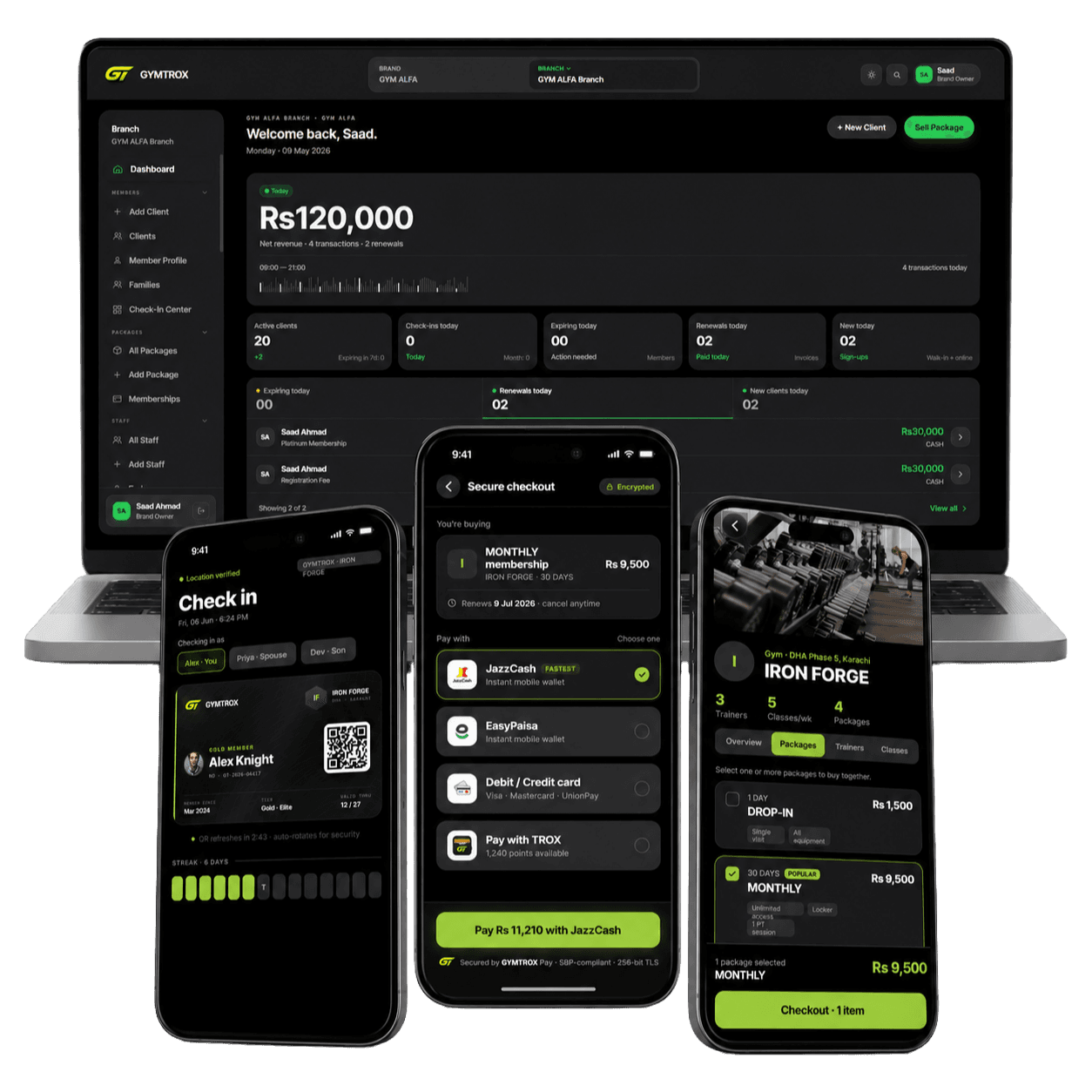
Branch teams can manage the class catalog, weekly schedule, instructor assignments, capacity, attendance and today's sessions. Personal-training tools cover the trainer roster, availability, bookings, completed sessions and payouts.
Members browse trainers and class schedules in the GYMTROX app, then book or enrol through the same account that holds their memberships and purchases.
Because availability and capacity come from the central system, the member app and dashboard do not maintain competing calendars.
Demo GYMTROX classes and PT management →
The bottom line
Preventing double-bookings requires more than a shared calendar. Your booking system must understand trainers, capacity, packages, attendance, cancellations and payouts.
Put staff and members on the same source of truth, then use utilization data to improve the schedule every week.
Want to see the complete booking workflow? Book a GYMTROX classes and PT demo.