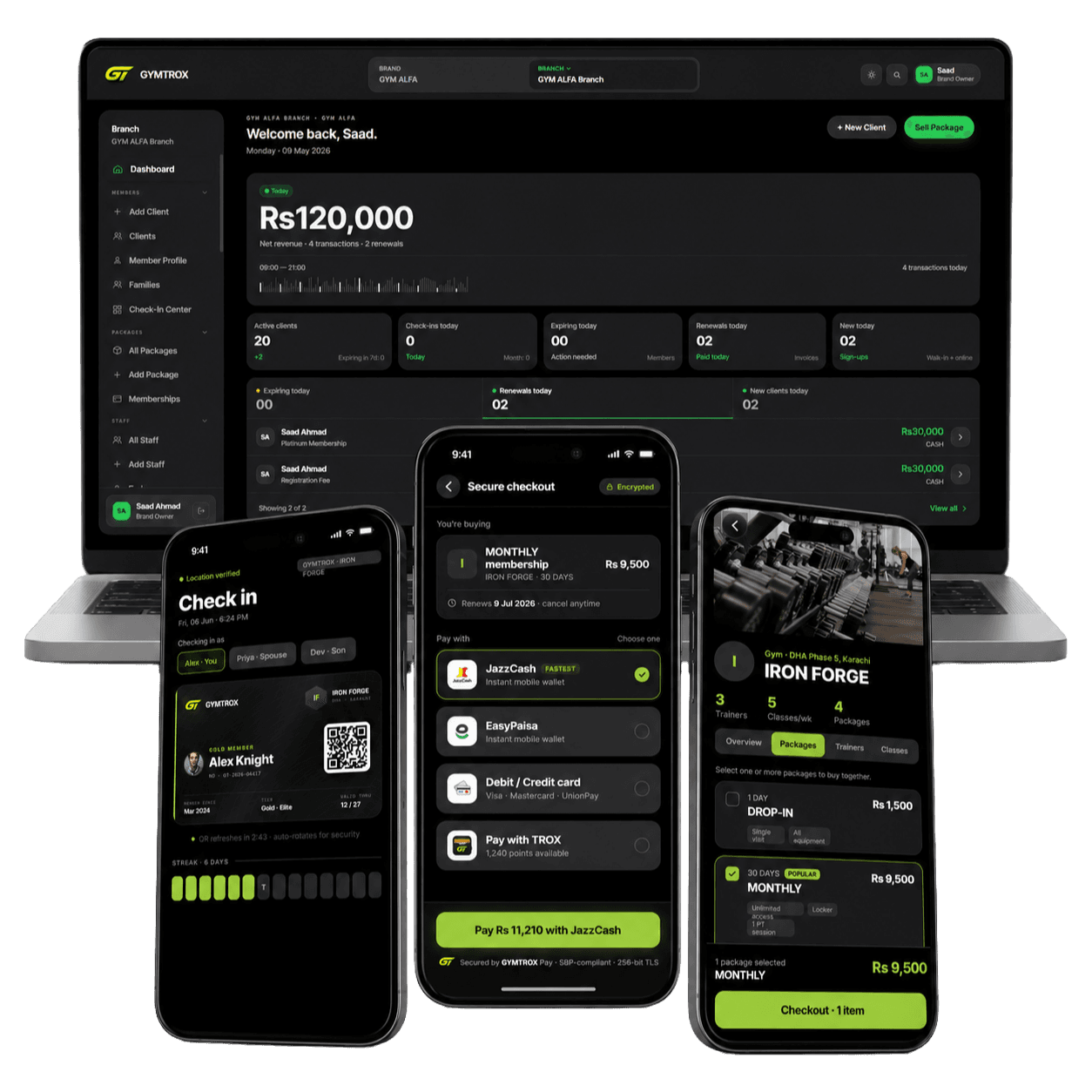
 In use with GYMTROX
ZKTeco access control, installed and synced.
SpeedFace and SenseFace readers at your door or turnstile, wired to a magnetic lock or gate and set up for you. For gyms, GYMTROX keeps every ZKTeco reader in step with your memberships. For offices, we set up ZKBio Time attendance.
ZKTeco readers we supply
Every figure below is from the manufacturer’s datasheet. Not sure which fits? Tell us your doors and headcount and we’ll recommend one.
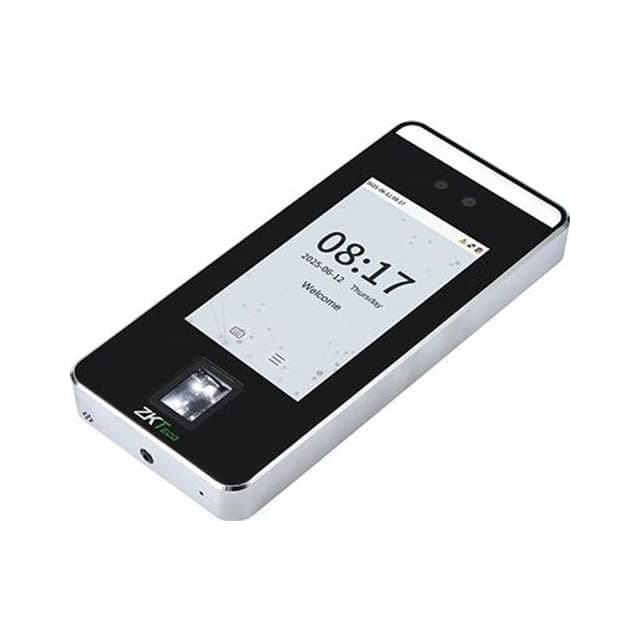
SpeedFace V5L
- Face
- Fingerprint
- RFID card
- PIN
- Screen
- 5-inch touch
- Faces
- 6,000–10,000 (by variant)
- Cards
- 10,000
- Records
- 200,000
Best for: Busy turnstile lanes: fast face and fingerprint in one terminal
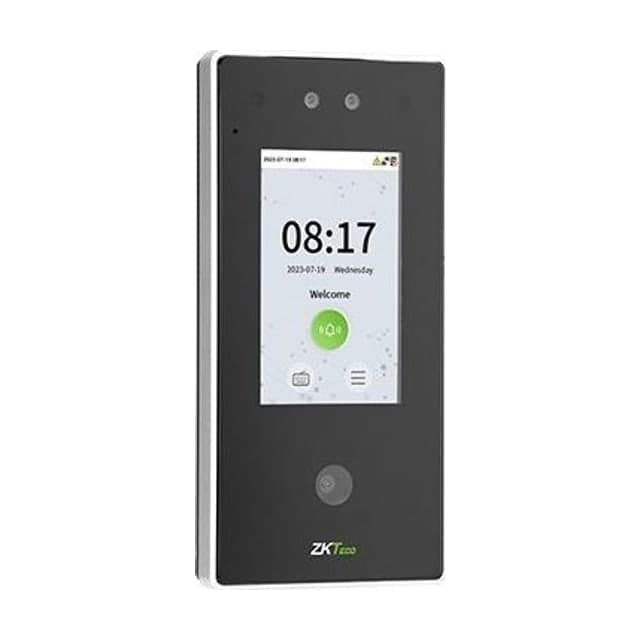
SpeedFace V4L Pro
- Face
- RFID card
- PIN
- Screen
- 4-inch touch
- Faces
- 6,000
- Camera
- 2 MP binocular
- Rating
- IP65
Best for: Hands-free entry, including outdoor and gate positions
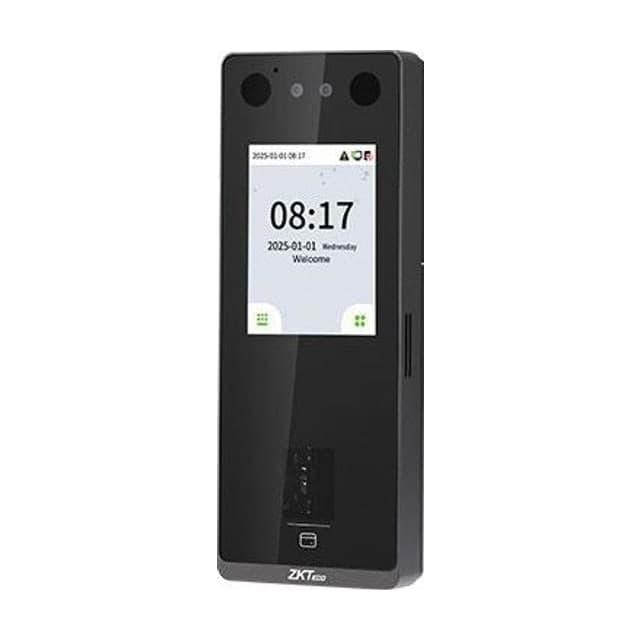
SenseFace 3A
- Face
- Fingerprint
- RFID card
- PIN
- Screen
- 2.8-inch touch
- Faces
- 6,000
- Cards
- 3,000
- Rating
- IP65
Best for: Doors and outdoor gates: face plus an in-glass fingerprint sensor
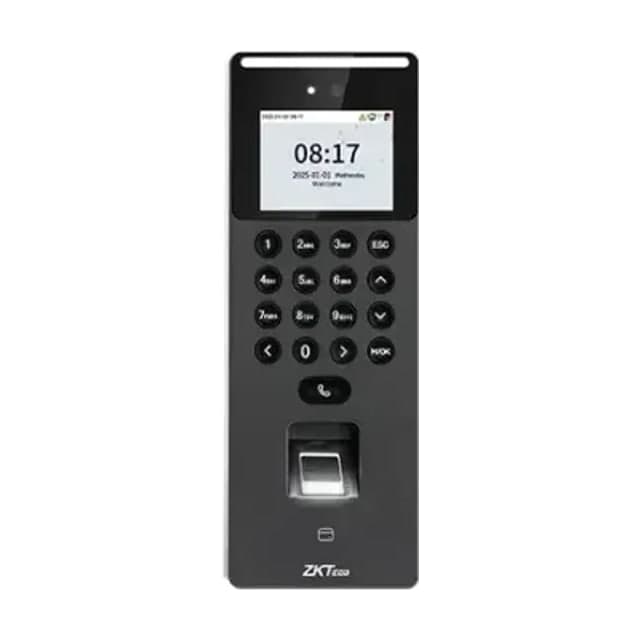
SenseFace 2A
- Face
- Fingerprint
- RFID card
- PIN
- Screen
- 2.4-inch + keypad
- Faces
- 1,500
- Fingerprints
- 3,000
- Cards
- 3,000
Best for: A single door on a budget: face, fingerprint, card and keypad
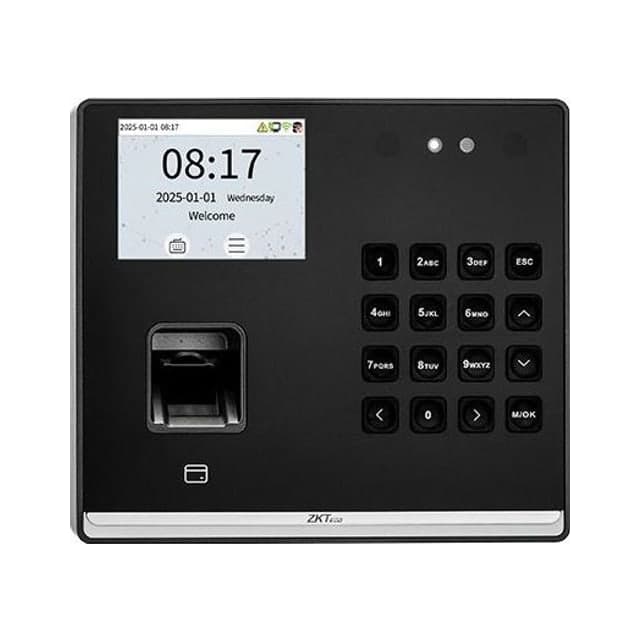
SenseFace M2F-LR
- Face
- Fingerprint
- RFID card
- PIN
- Screen
- 2.8-inch + keypad
- Faces
- 500
- Fingerprints
- 1,000
- Battery
- Optional 4-hour backup
Best for: Small studios and offices. Also sold as SenseFP M2 (fingerprint only)
How ZKTeco readers connect to GYMTROX
ZKTeco readers have a cloud mode built into their firmware, PUSH (also called ADMS). The reader calls GYMTROX. Nothing calls the reader, so nothing has to be opened on your router.
No server, no static IP
The reader dials out to GYMTROX over HTTPS on port 443. There is nothing to install on a PC at your site and no port to forward.
Attendance or access-control firmware
ZKTeco ships readers in T&A PUSH or A&C PUSH mode. GYMTROX recognises which one a reader speaks and works with either, so nobody changes device menus.
Enrol a fingerprint once per branch
A fingerprint enrolled at one reader is copied to the branch’s other ZKTeco readers. Face templates only load on readers with the same face algorithm, so we fit one model per branch.
Keeps working through an outage
Each reader stores its own list of who may enter, so the door keeps working when the internet drops. Entries upload when the connection is back.
Removals jump the queue
Freeze or cancel a membership and the change reaches the reader ahead of every pending addition, within seconds while the reader is online.
Cards assigned with a tap
Staff tap a new card on the reader to assign it. The number printed on a card is often not the one it transmits, so typing it in is the fallback, not the rule.
For gyms: readers that follow every membership
A reader on its own lets in whoever was enrolled, forever. Connected to GYMTROX, it reads the same membership record as your front desk, the staff app and the member app.
- Members are added to the readers when they join or renew, at every branch their plan covers.
- Freeze or cancel a plan and they come off the readers. Removals jump ahead of every pending addition.
- An expired plan is taken off in the overnight pass as its date passes.
- Separate entry and exit readers give a time in and a time out, and a second scan never counts as a second visit.
- Every refused entry is logged with its reason, so a dispute at the desk takes seconds.
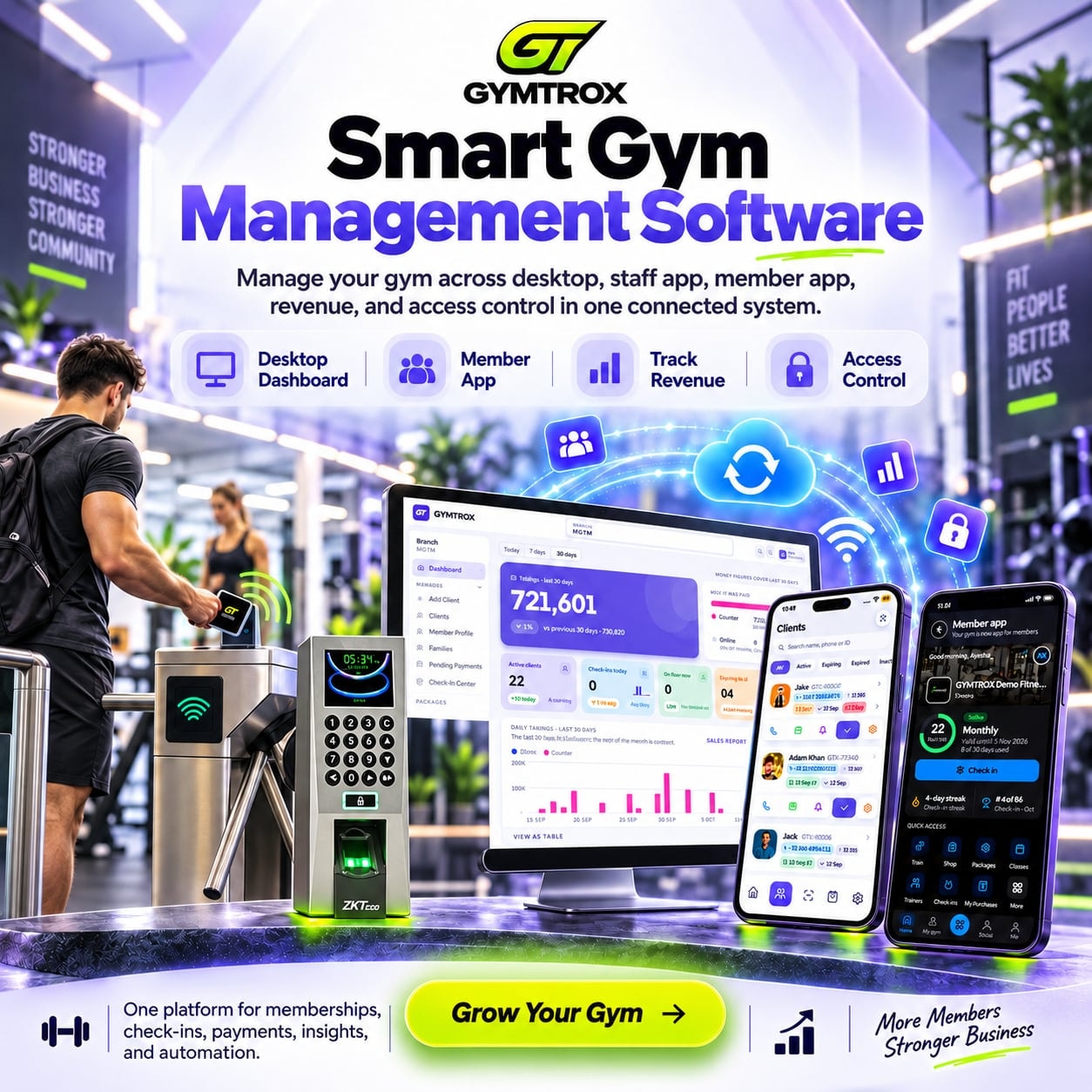
A ZKTeco reader on a door or a turnstile
The reader is the same either way. What holds the entrance decides how many people get through per scan.
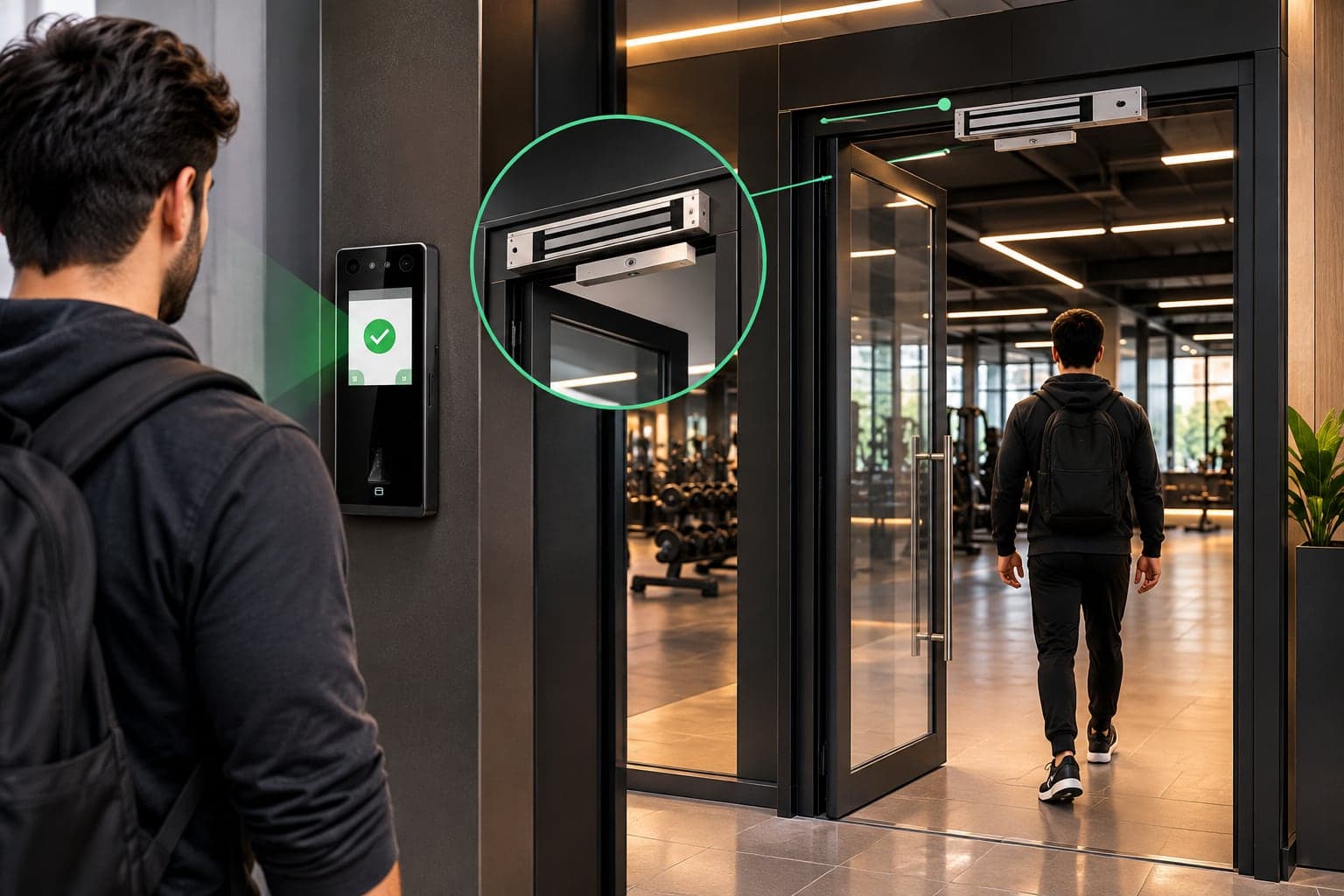
On a door, with a magnetic lock
- Glass, wood or metal doors: offices, clinics, studios, inner rooms.
- Exit button inside; the lock releases if power is cut.
- The simplest install: one reader, one lock, one power supply.
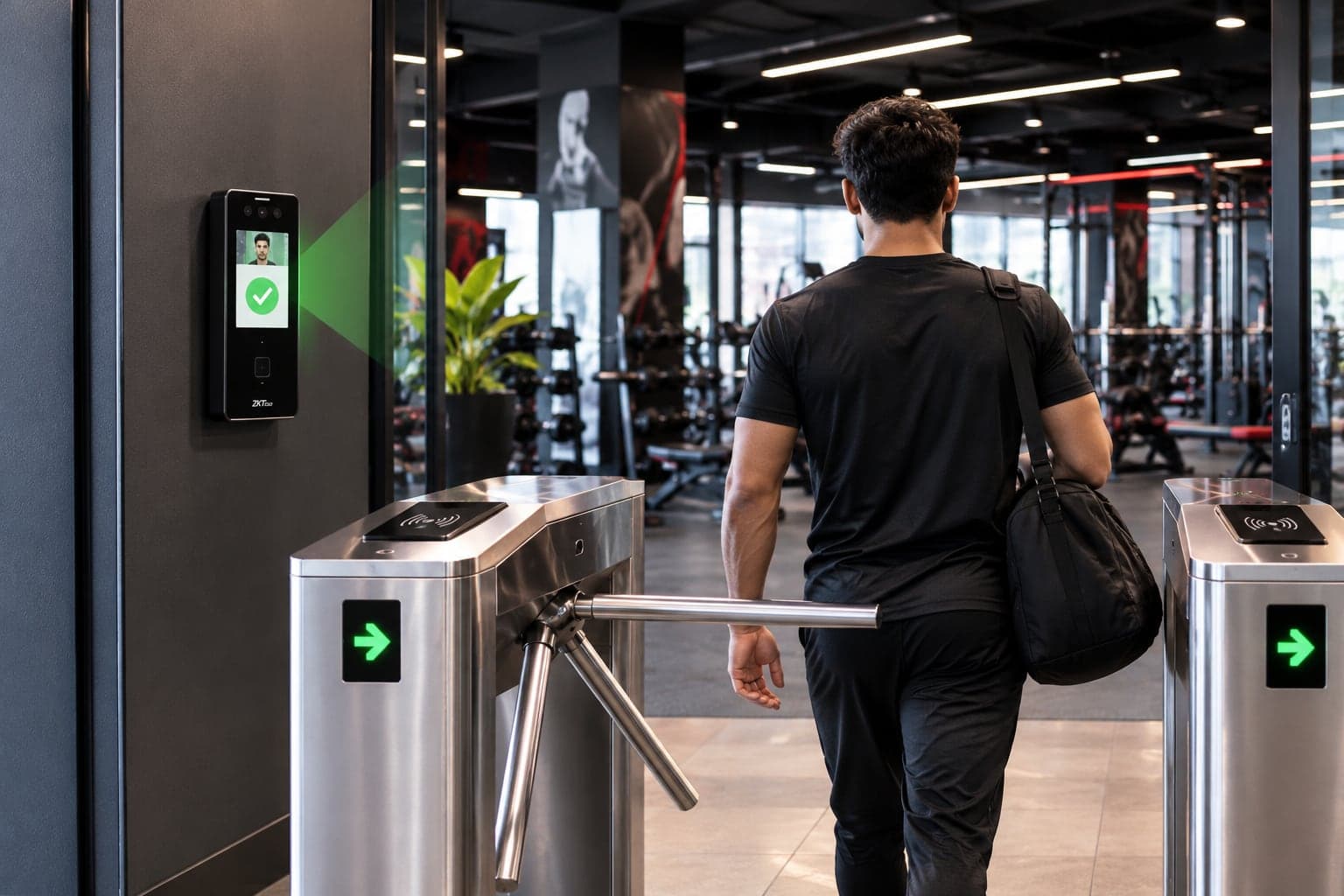
On a tripod turnstile
- One person per scan: every entry is counted, and a lent card can’t bring in two.
- Busy entrances: gyms, schools, factory gates, office lobbies.
- Add an exit reader for a time out as well as a time in.
ZKTeco access control packages
Every package is the hardware, the installation and the software set-up together. Prices aren’t listed because every site is different: send your doors and headcount on WhatsApp for an itemised quote.
Single Door
Best for: One entrance: an office, a clinic, a studio or a ladies section
- Face or fingerprint reader
- Magnetic lock with bracket, sized for your door
- 12 V power supply with backup battery
- Exit button for walking out
- Cabling and installation
- Software set-up and staff training
Turnstile Entry
Best for: Busy entrances where every person must be counted
- Entry reader, plus an exit reader for time-out
- Tripod turnstile: one person per scan
- Reader-to-turnstile wiring and installation
- Entry and exit directions set on each reader
- Software set-up and staff training
Complete Facility
Best for: Large gyms, offices, schools and buildings
- Turnstile at the main entrance
- Magnetic locks on inner doors: staff room, ladies section, stores
- A reader on every controlled door
- RFID cards matched to your readers
- Entry, exit and section doors on one system
- Priority support after handover
Installation day, step by step
One visit for most single-door and single-turnstile sites. Larger sites are planned door by door.
- 01
Site survey
Doors, cable routes, power and internet checked.
- 02
Mount and wire
Reader, lock or turnstile, exit button and power.
- 03
Enrol people
Faces, fingerprints and cards captured at the reader.
- 04
Connect and test
The reader dials out to GYMTROX; we confirm it’s online and syncing.
- 05
Handover and training
Your staff run it themselves from day one.
Requirements and honest limits
What a ZKTeco site needs, and what no reader can do, so nothing surprises you after installation.
What the site needs
- A Cloud Server / ADMS setting in the reader’s communication menu. Every model on this page has it.
- Outbound internet on port 443 (HTTPS). No inbound port and no static IP.
- Ethernet where possible: a cable run is more reliable than Wi-Fi for a door.
- The reader on the same UPS as your router, so both come back together after a power cut.
- One face-algorithm version per branch. We fit matching models.
Honest limits
- The reader opens the lock or turnstile through its own relay. GYMTROX decides who is on the reader; it does not open doors remotely.
- A reader that is offline cannot receive changes. A cancellation made during an outage reaches it when it reconnects.
- A reader cannot stop a second person walking in behind the first. Use a turnstile where that matters.
- Every reader has a capacity. Buy for your peak headcount plus headroom.
ZKTeco for offices: ZKBio Time
For offices, schools and factories we set up ZKTeco’s ZKBio Time attendance software (licensed where the edition requires it): departments, shifts, late and overtime reports, and exports for payroll. No GYMTROX account is needed.
Supplied and installed across Pakistan
We deliver and install ZKTeco readers across Pakistan: survey, wiring, enrolment and software set-up by one team. Send your city on WhatsApp and we’ll confirm the installation date.
- Lahore
- Karachi
- Islamabad
- Rawalpindi
- Faisalabad
- Multan
- Peshawar
- Sargodha
- Gujranwala
- Sialkot
Outside Pakistan?
We set up the software remotely and guide your local installer through wiring and enrolment. Hardware supply is available on request.
ZKTeco access control FAQ
Which ZKTeco devices do you supply?
+
We supply the ZKTeco SpeedFace V5L, SpeedFace V4L Pro, SenseFace 3A, SenseFace 2A and SenseFace M2F-LR face and fingerprint terminals, together with tripod turnstiles, magnetic locks, exit buttons, power supplies and RFID cards. Tell us your doors and headcount on WhatsApp and we will recommend a model.
Does GYMTROX work with ZKTeco readers I already own?
+
Usually, yes. If the reader has a Cloud Server or ADMS setting in its communication menu, it speaks ZKTeco’s PUSH protocol and can be connected to GYMTROX as it is, in time-attendance or access-control mode. Send us the model on WhatsApp before you buy anything new.
Do I need a static IP or a server for a ZKTeco reader?
+
No. The reader dials out to GYMTROX over HTTPS on port 443, so there is no server at your site, no port forwarding and no static IP. It only needs outbound internet.
What is the difference between T&A PUSH and A&C PUSH?
+
They are the two cloud modes in ZKTeco firmware: T&A PUSH for time attendance and A&C PUSH for access control. GYMTROX recognises which mode a reader is using from the way it connects and handles both, so your staff do not need to change device settings.
Do fingerprints and faces copy between ZKTeco readers?
+
A fingerprint enrolled at one reader is copied to the other ZKTeco readers at the same branch. Face templates only load on readers that run the same face algorithm, which is why we fit one model per branch. Templates are stored encrypted and are never shared with another business.
How many people can a ZKTeco reader hold?
+
It depends on the model: about 500 faces on a SenseFace M2F-LR, 1,500 on a SenseFace 2A and 6,000 or more on a SenseFace 3A or SpeedFace V5L. Each person is one user record on the reader, so buy for your peak headcount plus headroom. We check this against your numbers before quoting.
Can a ZKTeco reader open a turnstile or a magnetic lock?
+
Yes. The reader’s relay, or an access-control panel, releases the tripod turnstile, flap gate, magnetic lock or electric strike. We wire it and test it on the day of installation.
Can an office use ZKTeco without GYMTROX?
+
Yes. For offices, schools and factories we set up ZKTeco’s ZKBio Time attendance software with your departments and shifts. GYMTROX membership sync is for gyms and fitness clubs.
How much does a ZKTeco access control system cost?
+
It depends on the reader model, the number of doors, whether you need a turnstile or magnetic locks, the length of cable runs and the software. Send your doors, headcount and city on WhatsApp and we will reply with an itemised quote.
Tell us your doors. We’ll send the setup.
How many doors or turnstiles, how many people, which city. That’s all we need for an itemised quote on WhatsApp.
ZKTeco, Hikvision and Pioneer are trademarks of their respective owners. GYMTROX is an independent supplier and integrator and is not affiliated with or endorsed by them.