Best gym access control software: a buyer's checklist for 2026
The software decides who the door lets in. Here is what separates a system that locks out an unpaid member within a minute from one that lets them train for weeks.
Most "best of" lists for gym entry software rank vendors by how many features they list. That is the wrong test. Readers, turnstiles and magnetic locks are close to commodity hardware. What you are really buying is the software that decides, for every member, whether the door should open today. This is the checklist we would use if we were the buyer, and it applies to any vendor, including us.
What the software actually does
At the door, a reader matches a face, fingerprint, card or QR code against a list of people it is allowed to admit. The software keeps that list right. It adds a member when they buy a package, removes them when the package ends, is cancelled or is frozen, and records every entry so you can see who came in and when.
That gives you three things to judge any product on: how quickly the list changes, what happens when something breaks, and how much your staff still have to do by hand.
1. How fast does a cancelled member lose entry?
This is the most important question, and the one demos skip. Ask the vendor to cancel a test membership in front of you, then try the door.
- Good: the change reaches the reader within a minute, and removals are sent ahead of new enrolments, so a busy sync queue never delays a lockout.
- Acceptable: a sync every few minutes.
- Red flag: a nightly batch, or "staff delete the member on the machine". A member who stops paying keeps training until someone remembers.
Then ask what happens when a package simply runs out. Nothing fires at midnight in most systems: the plan just passes its end date. Good software runs a pass every night that removes everyone whose plan has ended, instead of waiting for a staff action.
2. What happens when the internet drops?
A gym cannot close its front door because a router restarted. Ask exactly what the reader does offline.
- Readers that store their member list locally keep admitting everyone already on them, and upload the entries when the connection returns. That is the behaviour you want.
- The honest limit: an offline reader cannot receive a cancellation. A membership cancelled during an outage still opens the door until the reader reconnects. A vendor who promises otherwise is describing a reader that asks the cloud on every scan, which means the door stops working when the internet does.
3. Does the reader need a static IP or port forwarding?
Software talks to a reader in one of two ways. Either the software connects in to the reader, which needs a fixed address and a port opened on the gym's router, or the reader dials out to the software over HTTPS. Dial-out, which ZKTeco calls PUSH or ADMS, works on almost any internet connection, including mobile routers, and leaves nothing at the gym exposed to the internet. Prefer it.
4. Which readers does it support, and how?
"Works with biometric devices" can mean anything from a live two-way sync to importing a spreadsheet of punches once a day. Ask for the specific models and how each one connects. Then ask:
- Does a fingerprint enrolled at one reader copy to the other readers in the branch, or must members enrol at every door?
- Are cards assigned by tapping them on the reader? The number printed on a card is often not the number the reader sends, so typing it in is a classic cause of "my card doesn't work".
- Does the reader open the lock itself, from its own relay? It should. Software that must be online to open the door turns every outage into a lockout.
ZKTeco face and fingerprint terminals are the most widely supported option, which is why our guide to the best biometric attendance machine for gyms starts there.
5. Do the door rules follow the membership?
Real gyms have rules beyond "paid or not". Check that the software handles:
- Frozen memberships, which should not open the door until they are unfrozen.
- Packages that do not include the gym floor, such as a steam-only or locker-only plan.
- Members who may use every branch of a brand, and members limited to one.
- A member the desk has suspended for a reason other than payment.
If the answer to any of these is "staff handle it manually", expect it to be forgotten on a busy evening.
6. Multi-door and multi-branch sites
With a separate entrance and exit, the software should know which reader is which, so a member who comes back in is not recorded as leaving. A member's visit should count once per day, however many times they tap. With several branches, each branch's readers should hold only the members allowed in there, and biometric data should stay with the business that collected it.
7. Refusals you can see
When a reader refuses someone, the front desk needs the reason: plan expired, plan frozen, wrong branch, not on the reader yet. Software that only says "access denied" creates arguments at the counter. Ask to see the refused-entry log during the demo.
8. Reports that answer real questions
Entry data is only useful if it leads to a decision. Look for check-ins by day and hour so you can staff peak times, members who stopped coming before their plan ended so you can call them, and a per-member visit history for disputes.
9. Privacy and data ownership
Biometric templates are personal data. Ask where they are stored, whether they are encrypted, who can delete them and what happens to them when a member leaves. A template is a set of numbers describing a face or finger, not a photo, but it deserves the same care as a payment record.
The three kinds of product you will find
- Device software, such as the attendance software that ships with a reader (ZKTeco's ZKBio Time, for example). Good for staff shifts and offices. It knows nothing about memberships, so someone must add and remove members by hand.
- Cloud door platforms built for offices and multi-site buildings. Strong on locks and mobile credentials, but they usually need a separate membership system and an integration between the two.
- Gym software with built-in reader sync. Memberships, payments and the door share one list, so a sale enrols the member and a cancellation removes them without anyone touching the reader. This is the category that solves the unpaid-member problem.
Where GYMTROX fits
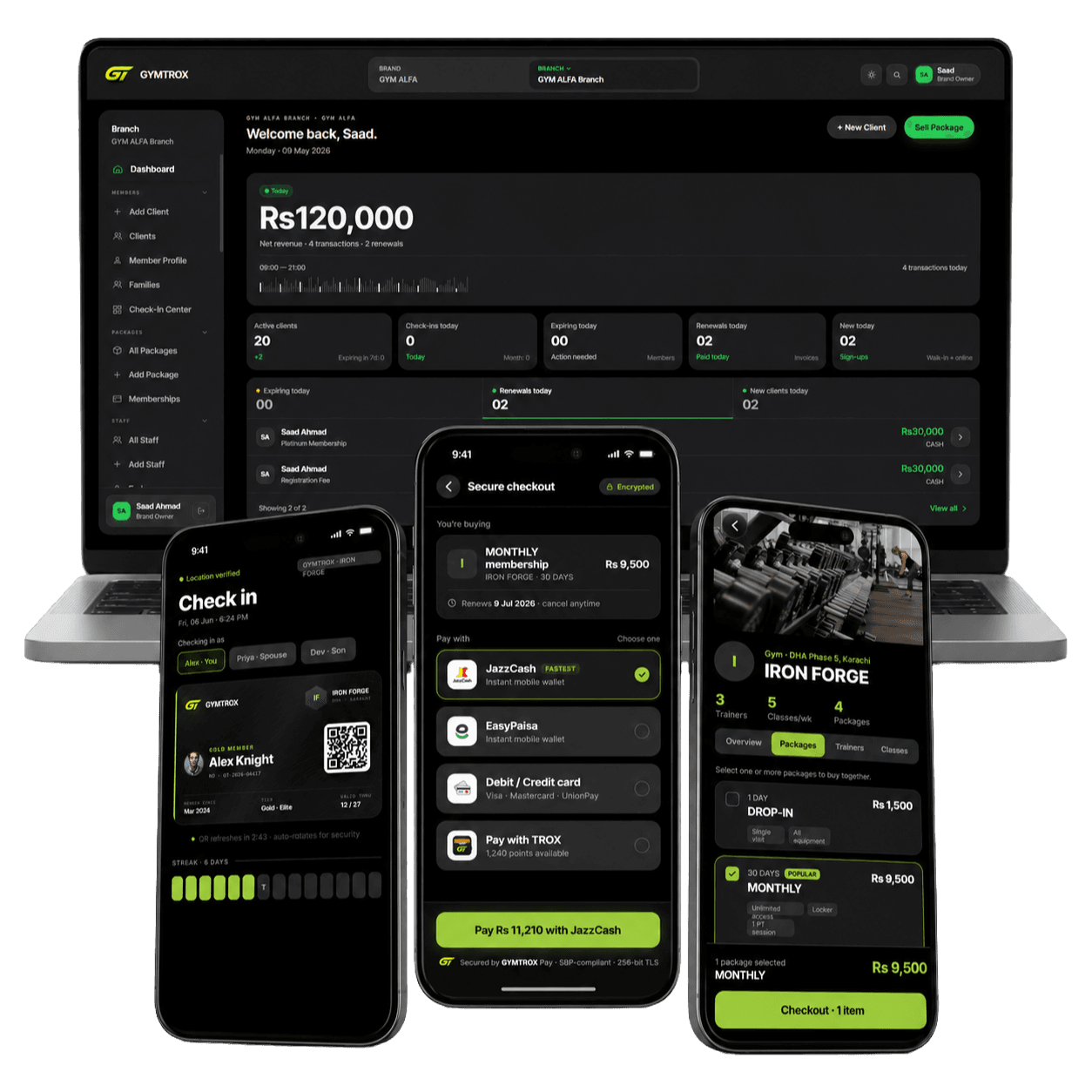
GYMTROX is in the third group. Readers dial out over HTTPS, so there is no static IP or port forwarding. Removals are queued ahead of everything else and reach an online reader within a minute, and an overnight pass clears plans that ended on a date. Fingerprints copy to the other ZKTeco readers in a branch, cards are assigned by tapping, and every refusal is logged with its reason. The limits are the same as everyone's: an offline reader catches up when it reconnects, and no reader can stop a second person walking in behind the first.
See the complete gym access control system, or how the door fits into our gym management software. If you only need staff attendance for an office, you need none of this: the reader's own software is enough.
Related pages
Frequently asked questions
What is the best gym access control software?
The best software for a gym is the one that removes a lapsed member from the door automatically. Judge any product on how fast a cancellation reaches the reader, what the reader does offline, whether it needs a static IP, which readers it supports, whether frozen and branch-only plans are respected, and whether refusals show a reason.
Can gym access control software work without the internet?
The door can. Good readers store their member list locally, keep admitting everyone on it during an outage and upload entries when the connection returns. What an offline reader cannot do is receive changes, so a membership cancelled during an outage still works until the reader reconnects.
Do I need a static IP for gym access control?
Not with readers that dial out. ZKTeco readers using PUSH (ADMS) connect out to the software over HTTPS, so the gym needs ordinary outbound internet only, with no port forwarding. Readers that the software must connect in to need a fixed address and a forwarded port.
Can I use the software that came with my biometric machine?
It will record attendance, but it does not know who has paid. Someone has to add and delete members on it by hand, and missed deletions are how unpaid members keep getting in. Gym software with reader sync does that from the memberships themselves.
Which hardware works best with gym entry software?
Face and fingerprint terminals that dial out over HTTPS. ZKTeco readers with a Cloud Server or ADMS setting in the communication menu are the most widely supported. Check that menu exists before you buy.
Can access control software stop tailgating?
No software or reader can stop a second person walking in behind the first. A turnstile or flap barrier, a short door-open time, a camera and a desk that can see the door all reduce it.