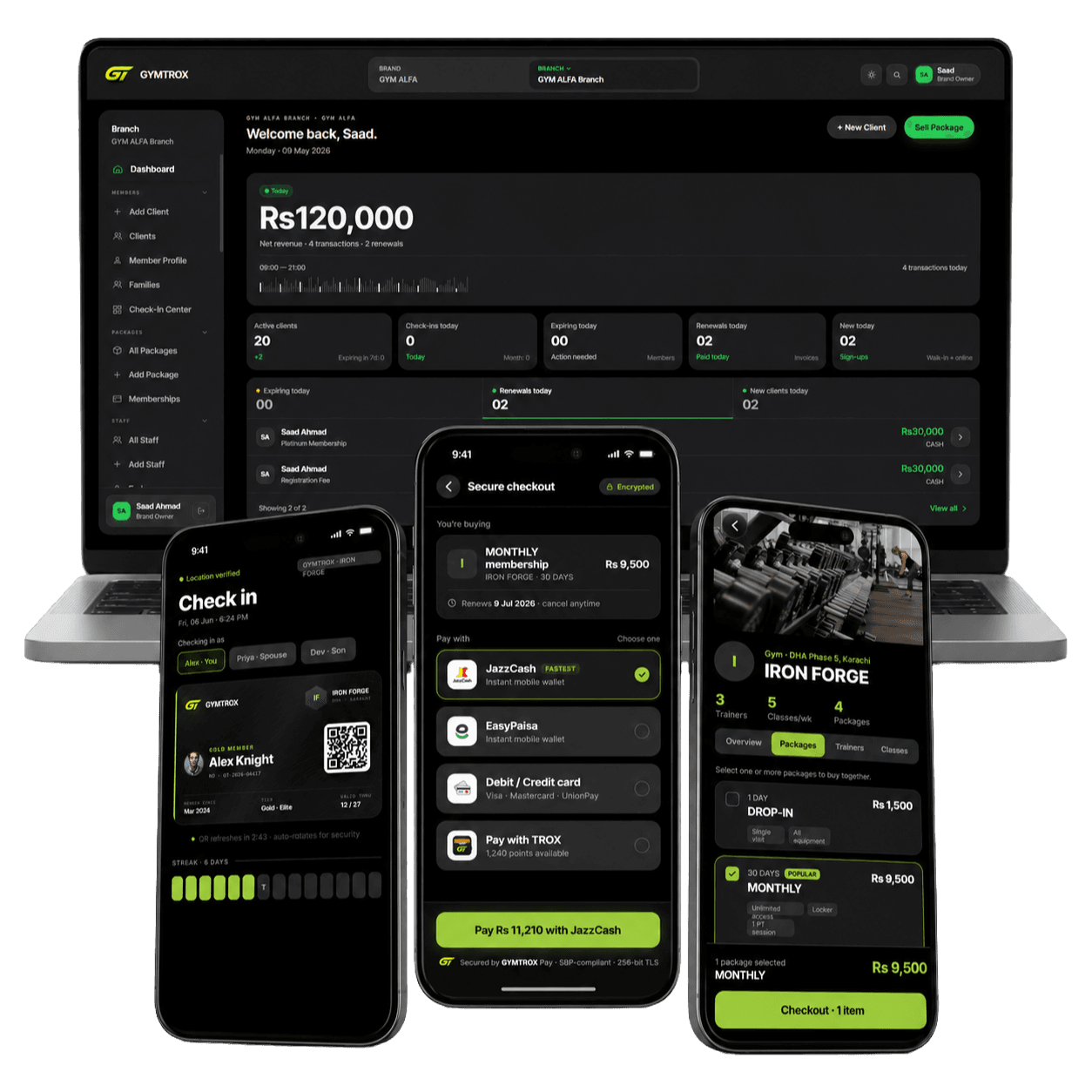
Block expired gym members at the door, automatically
A biometric machine knows faces, not payments. Here is why lapsed members keep getting in, and how a synced reader removes them without anyone touching it.
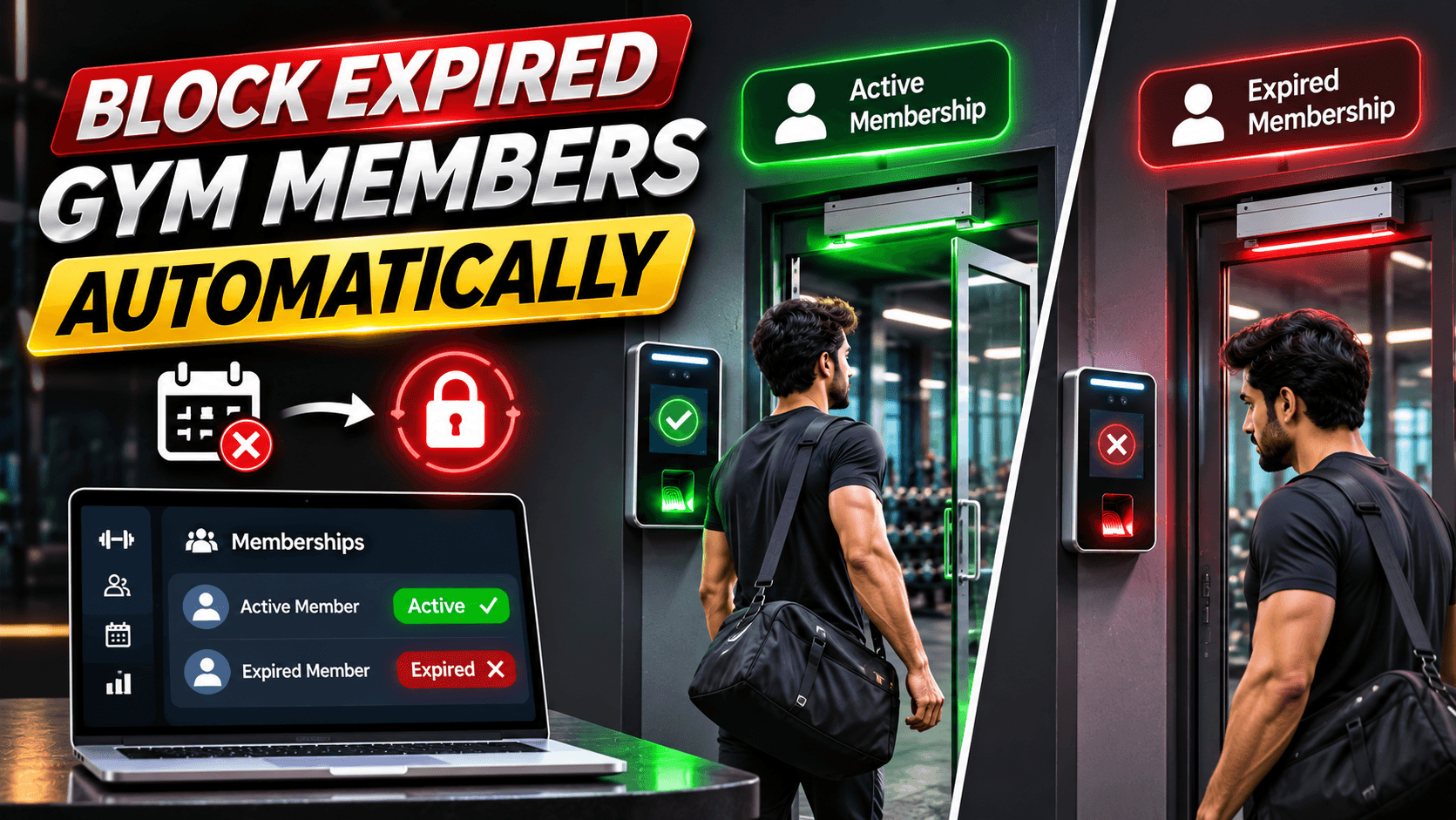
Ask a gym owner with a fingerprint machine what annoys them most about it, and the answer is often the same: members whose plans ended months ago still walk straight in. The machine is not broken. Nobody told it.
Why a standalone machine admits unpaid members
A biometric attendance machine stores a list of people with their faces or fingerprints. When someone scans, it checks the list and opens the door if they are on it. That is all it knows. It has no idea what a membership is, when it ends or whether it was paid. Unless someone deletes the member from the machine on the day their plan ends, they stay on the list for good.
In a busy gym that deletion rarely happens on time. The desk is serving people, the owner is not at the counter, and the machine's own menu is slow to use. A few missed deletions a week add up to a steady stream of free training.
The fix: one list for memberships and the door
The reliable fix is to connect the reader to the same software that sells memberships, so the reader's list is always worked out from who holds a valid plan today. Staff never add or delete members on the machine. They sell, renew, freeze or cancel a plan, and the door follows.
What should take a member off the reader
A well-designed system removes a member from the reader when any of these happens:
- The plan is cancelled by staff.
- The plan is frozen. A frozen plan should not open the door until it is unfrozen.
- The plan reaches its end date. Most systems get this one wrong, because nothing happens at midnight: the plan simply passes its date. Something has to check every night.
- The payment behind the plan is reversed, for example when an invoice is refunded.
- The desk marks the member inactive for a reason other than payment.
Two more rules belong here. A package that does not include the gym floor, such as a locker-only or steam-only plan, should never put a member on the floor door in the first place. And the reverse of every removal: a renewal or a new sale should put the member back on the reader without anyone touching the machine.
How GYMTROX does it
- Removals go first. When a plan is cancelled or frozen, a removal is queued for every reader in the branch, ahead of any pending enrolments, so a busy queue never delays a lockout. An online ZKTeco reader collects it the next time it checks in with the server, usually within a minute.
- An overnight pass catches expiry. Shortly after midnight, every reader's list is worked out again from the day's valid plans, and anyone whose plan has ended is removed. Readers that are already correct receive nothing.
- Every scan is checked again. When a scan reaches the server it is checked against memberships once more. Someone who gets in on a reader that was offline is recorded as a refused entry with the reason, not as a normal check-in.
- Rejoining is automatic. When a lapsed member renews, they go back on the readers. On ZKTeco readers their stored fingerprint goes back with them, so they do not enrol it again.
- The rules follow the plan. Frozen plans, packages without floor access, plans limited to one branch and members marked inactive at a branch are all respected at the door.
The honest limits
- An offline reader cannot be told. It keeps admitting whoever is stored on it until it reconnects, then collects the removals waiting for it. Keep readers on a cable and a UPS.
- Expiry is overnight, not to the minute. A plan that ends today is removed in the overnight pass, not at the stroke of midnight. Cancellations and freezes take effect straight away.
- A reader cannot stop tailgating. A removed member can still walk in behind someone else. Use a turnstile where that matters; see how to stop gym membership sharing.
What the desk sees
When a reader refuses someone, staff need the reason, not just "access denied". GYMTROX lists refused entries with their cause: plan expired, plan frozen, no floor access, valid at another branch, or member marked inactive. The desk can renew the plan on the spot, and the member goes back on the reader moments later.
Can the machine's own software do this?
Partly. Some attendance software that ships with readers lets you give each user an end date. But it is a separate system from your billing, so every renewal, freeze and cancellation has to be typed in twice. When the two disagree, the door follows the attendance software, not the money. That gap is exactly what gym software with built-in reader sync closes.
Grace periods and late payers
Many gyms let a member keep training for a few days after their plan ends while they arrange payment. If you do, give the grace as a short extension on the plan itself, rather than by leaving the member on the reader. The door, the books and the attendance report then all agree, and the extension ends on its own if the member never pays.
Getting started
- Check your reader has a Cloud Server or ADMS menu; see how to connect a ZKTeco reader to gym software.
- Import your members and their current plans.
- Let the first sync load everyone with a valid plan onto the reader and remove everyone else.
- Run the expired-member test: expire a test plan, scan, and confirm the refusal appears with its reason.
Still choosing a reader? Start with the best biometric attendance machine for gyms. For the full picture of doors, readers and rules, see the gym access control system.
Related pages
Frequently asked questions
Why does my biometric machine let expired members in?
Because it does not know about memberships. It admits everyone enrolled on it until someone deletes them by hand. Connecting it to membership software removes members automatically when their plan is cancelled, frozen or ends.
How quickly is a cancelled member blocked?
With GYMTROX, an online ZKTeco reader collects the removal the next time it checks in with the server, usually within a minute. A reader that is offline collects it as soon as it reconnects.
What happens when a membership expires?
Plans that reach their end date are removed in an overnight pass shortly after midnight, when every reader's list is worked out again from the day's valid plans.
Does a frozen membership open the door?
No. A frozen plan never admits the member. They are removed from the readers when the plan is frozen and put back when it is unfrozen.
Does a member have to enrol again after renewing?
Not their fingerprint. On ZKTeco readers connected to GYMTROX, the stored fingerprint goes back on the reader with the member when they renew.
What if the internet is down when I cancel a membership?
The reader keeps admitting everyone stored on it until it reconnects, then collects the removal. Keeping readers on a cable and a UPS keeps outages short.